
Stage
On staging, record a successful submission and a rejected invalid one. Apply the change against the same theme, PHP version and integration settings. Repeat both tests with synthetic data and compare the receiving system as well as the page.

Can the update be rolled back without losing submissions?
If a plugin changes stored fields, capture a compatible database snapshot as well as the old plugin files. Define how submissions received after the snapshot would be reconciled before using it for recovery.
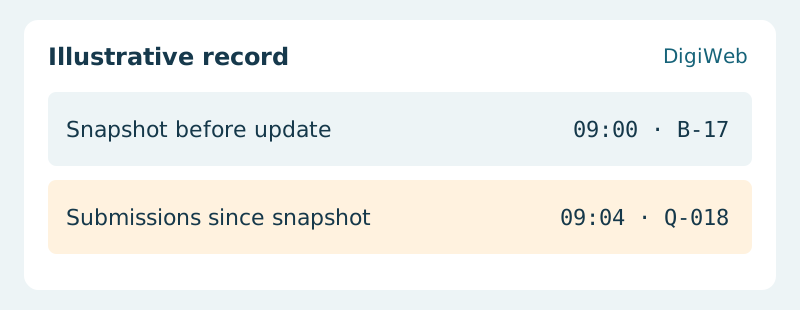
Acceptance evidence · Submissions since snapshot
Agree who can stop the rollout and how to recover if a database migration makes a file-only rollback insufficient. Release during a staffed window and attach the before-and-after results to the change record.
Send DigiWeb the update list and the customer journey that must keep working