
Bottleneck
Measure a cached public page and a dynamic operation such as search under comparable device and network conditions. Record the URL, time and cache state. Compare the server response with the time before useful content and controls appear.

Is the delay on the server or on the device?
A fast cached homepage and a slow search page point to different work than two equally slow pages. Record the comparison before discussing processor or memory upgrades with hosting support.
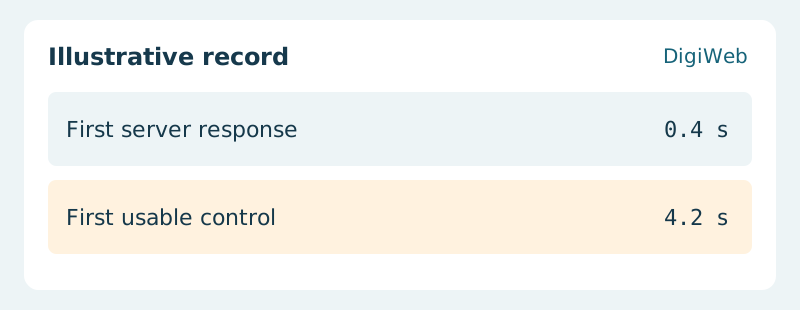
Acceptance evidence · First usable control
If only one template is slow, investigate its assets and queries first. If dynamic routes slow together under load, compare resource usage with request timing. Repeat the same customer journey after any change before committing to a larger plan.
Send DigiWeb one slow URL, the device and the action that stalls