
Home

Redesigning a website without losing valuable URLs and content

Before designing navigation, inventory pages customers already find through search, campaigns, saved links and sales documents. Keep the intent, content owner and future destination alongside each URL.

Relevant successor

Take a valuable old URL and follow it end to end. If its address changes, send it directly to a relevant successor and check the response, final content, canonical reference and internal links. A generic homepage destination rarely answers the visitor's original question.

Old entry → Relevant successor → Verified outcome

Does the replacement URL still answer the original question?

Include downloadable documents and campaign destinations in the inventory. A page can survive a redesign while the specification sheet linked from a sales brochure quietly disappears.
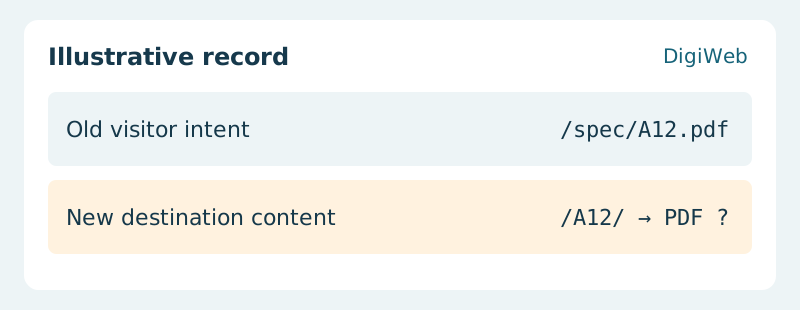
Illustrative record: Old visitor intent (/spec/A12.pdf) / New destination content (/A12/ → PDF ?)
If a brochure links straight to a specification, test that document entry as well as the product page. A redirect to the product page needs an obvious route to the same specification.

Acceptance evidence · New destination content

Validate the mapping before launch and sample real entry routes afterwards. Review missing-page reports and incoming enquiries together: a technically reachable replacement can still omit the information that made the original useful.

Map valuable old URLs to proposed destinations with DigiWeb

Let’s start with
what you need.

Tell us about your project or the website issue you need to resolve. DigiWeb will work through the next steps with you.

info@digiweb.com.vn0902 604 802Nguyễn Đức Thái · Founder DigiWeb