
Home

Corporate website images that help customers assess capability

Choose the question an image should answer before choosing the photograph. A visitor assessing a material, production step or completed project needs different evidence in each case.

Mobile crop

Record what the picture depicts, its usage permission, the source and any limits on what can be claimed. On a phone, inspect the actual crop: the detail that explains a finish or process must remain visible. Put specifications in page text as well as in the image.

Source and rights → Mobile crop → Published caption

Does the mobile crop still show the detail buyers need?

If a project photo shows only a finished facade, state what is visible and the verified scope of work. Do not infer that the company designed or built the whole property from the picture alone.
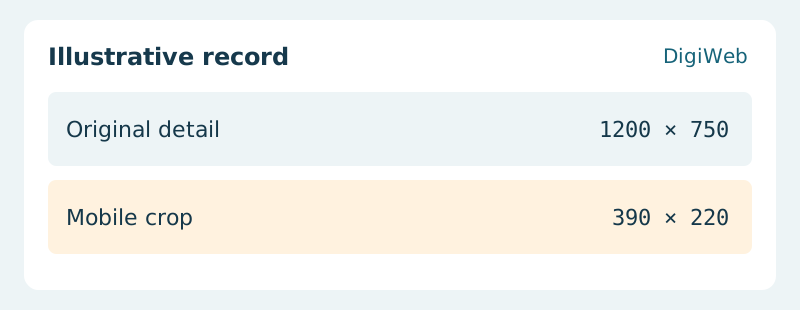
Illustrative record: Original detail (1200 × 750) / Mobile crop (390 × 220)
For a finish or joint, compare the full image with the rendered mobile crop side by side. If the identifying detail disappears, change the crop or add a detail view before rewriting the caption.

Acceptance evidence · Mobile crop

Write alt text for the useful visual detail and use the caption for context. Keep the original, approved derivatives and reuse conditions together so later editors can update the page without inventing a project claim.

Review a product page and its approved images with DigiWeb

Let’s start with
what you need.

Tell us about your project or the website issue you need to resolve. DigiWeb will work through the next steps with you.

info@digiweb.com.vn0902 604 802Nguyễn Đức Thái · Founder DigiWeb