
Home

Moving a business website to new hosting: protect writes during cutover

A copy of the files and database is only a starting point. New enquiries, uploads and edits may reach the old or new environment while traffic moves. Decide who owns that interval before changing DNS.

Traffic switch

Test the destination with the intended hostname, TLS settings, scheduled jobs and email routing. Set a final sync or a short write freeze and record its time. Prevent both environments from sending the same scheduled notifications.

Final sync → Traffic switch → Record check

Can writes be reconciled if the cutover is reversed?

Use a labelled test on either side of the cutover and record which environment received it. Two successful confirmation pages do not prove the receiving team sees both records.
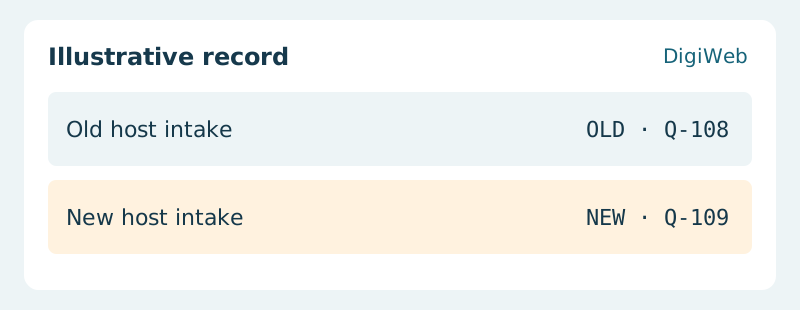
Illustrative record: Old host intake (OLD · Q-108) / New host intake (NEW · Q-109)
Choose a cutover reference on each host and retain its timestamp. Before switching back, reconcile accepted requests after those references; restoring traffic alone does not move their records.

Acceptance evidence · New host intake

Check the site from outside the new host and reconcile requests around the cutover. If traffic must return to the old server, first account for writes already accepted by the new one. Keep the old environment available until reconciliation is complete.

Plan the final sync with DigiWeb using the functions that accept new data

Let’s start with
what you need.

Tell us about your project or the website issue you need to resolve. DigiWeb will work through the next steps with you.

info@digiweb.com.vn0902 604 802Nguyễn Đức Thái · Founder DigiWeb