
Isolated restore
Restore a chosen backup into an isolated environment with outbound mail and scheduled integrations disabled. Open a recently edited page, load a recent upload and sign in with a test account. Record the latest transaction or content change actually present.

How much data and working time would recovery cost?
A page may load from cache even when its original image is missing. Check the restored file directly and compare its modification date with the database entry that references it.
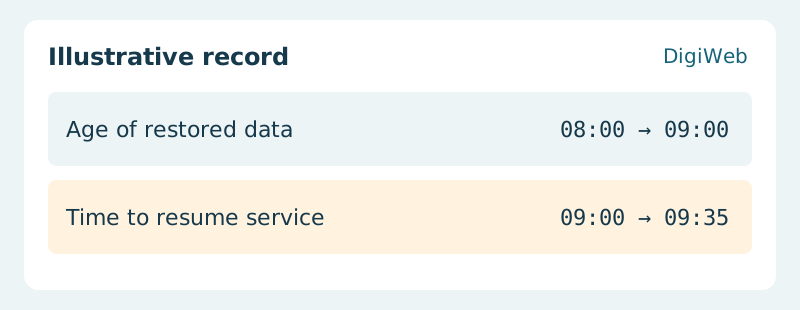
Acceptance evidence · Time to resume service
Report two numbers separately: the age of the recovered data and the elapsed time to make the restored service usable. If either exceeds business tolerance, change the backup schedule or recovery procedure and run the exercise again.
Discuss a restore drill with DigiWeb using your backup interval and tolerable data loss