
Provider event
Submit a synthetic enquiry with a unique reference. Match that reference and timestamp to the website's handoff, the provider's delivery event and the destination mailbox or quarantine. A provider acceptance event is different from a message appearing in the inbox.

Where does the test enquiry disappear?
If the website has no handoff record, changing mailbox filters is premature. If the provider reports delivery, ask the recipient administrator to trace the same identifier before changing the form.
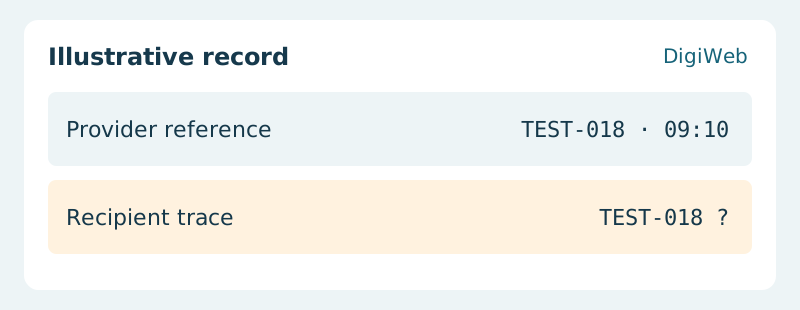
Acceptance evidence · Recipient trace
Change only the part where the trace stops. Repeat the test on desktop and mobile with the real recipient configuration and ask the receiving team to confirm the reference. Keep test identifiers, not customer messages, in the incident report.
Give DigiWeb the form URL, test time and last confirmed handoff