
Define why you are moving and what the migration covers
A slow website, infrastructure approaching end of support and a change in how the business wants to manage the site are different reasons to move. Identify what the new environment should resolve and which issues lie in the application code or its integrations. This sets realistic expectations about which problems a change of hosting can fix.
The migration may cover the website, database, files, scheduled tasks and configuration. Business email or DNS may be managed elsewhere. Make an inventory so you can account for any service that shares the website’s hosting account or server.
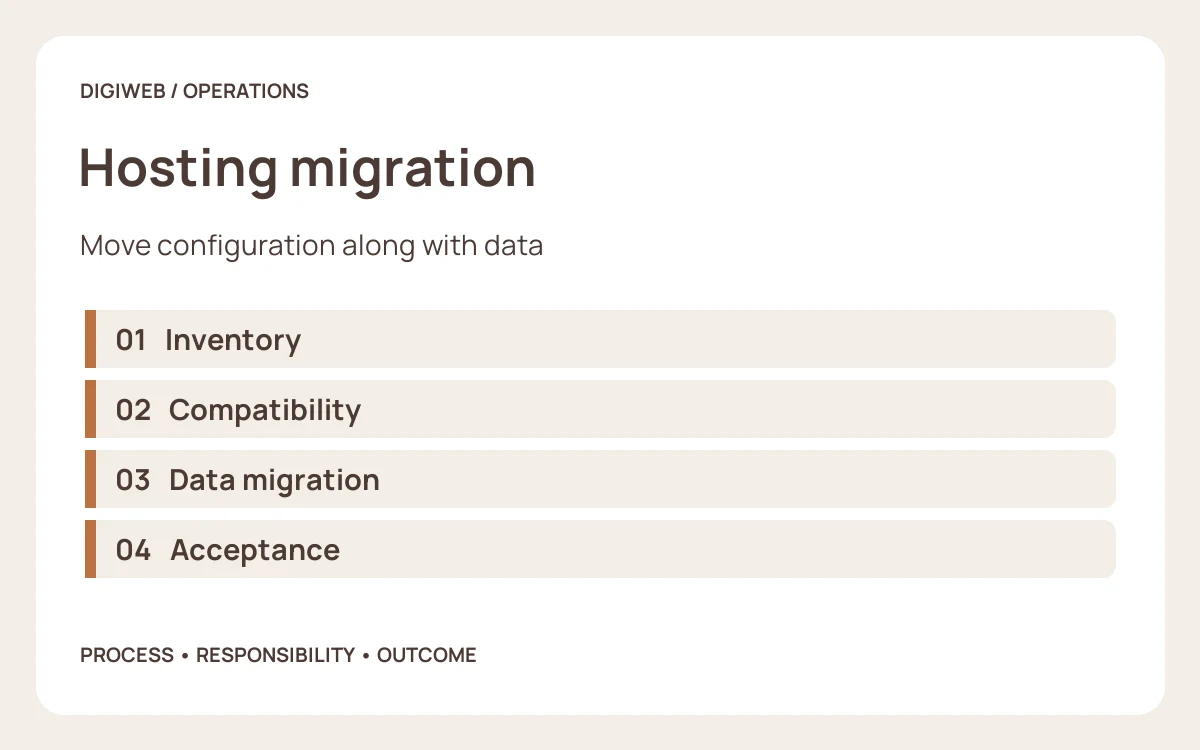
Check compatibility in the new environment
The language runtime, database version, libraries and server settings must support the existing application. An older website may depend on components that do not work in the new environment. Identify these dependencies during testing, before pointing the domain to the new host.
Keep the hosting move separate from a major upgrade of the entire software stack until you understand the impact. Separating the changes makes it easier to isolate a fault and roll back. If several components must change together, plan tests and a rollback procedure that cover them all.
Account for data created during the move
| Data type | Question to settle before the move |
|---|---|
| Posts and files | Who may update them during the migration? |
| Forms and enquiries | Where will new submissions be stored, and how will the team reconcile them? |
| Accounts and permissions | How will changes be synchronised between the two environments? |
| Orders, if applicable | When will the final data cut-off take place, and who will confirm it? |
| Integrations | Are there IP restrictions or settings that need to change? |
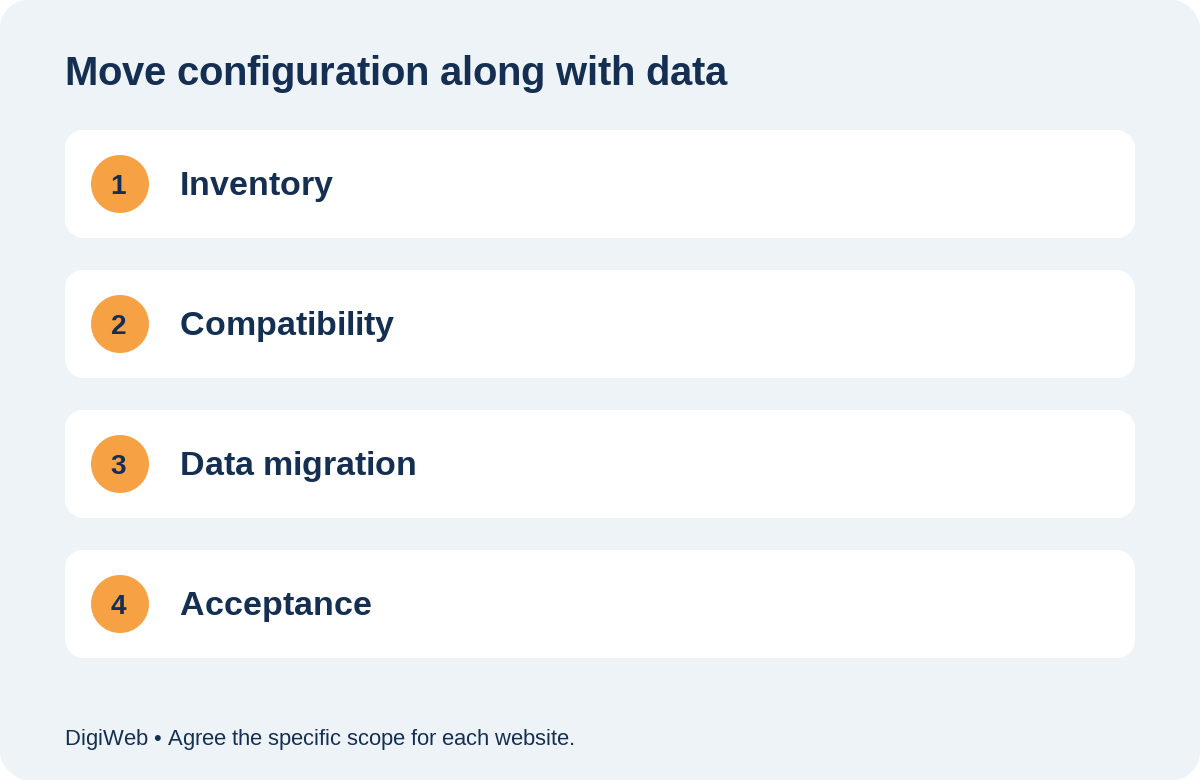
The copy used for a trial run may be out of date by the time of the live move. Agree on a final synchronisation or, if necessary, a temporary pause on writes. Communicate the business impact before putting the site into maintenance mode.
Plan the cutover and the rollback
The person leading the move should set out the sequence of steps, who has authority to change DNS and when to stop. A DNS change does not take effect everywhere at once. Allow for the transition and account for requests that still reach the old environment according to how the site captures them.
The rollback plan must also cover data created on the new host. Simply pointing DNS back to the old server can leave changes behind if both environments have accepted data. Decide in advance who can order a rollback and how the two sets of records will be reconciled.
Test the website from the visitor’s perspective
Check pages, the HTTPS certificate, redirects, forms, downloads, language editions and integrations. Use the actual URLs through an approved testing method, including mobile or AMP variants where available. Verify background jobs separately: their results may not be visible in the interface.
Test mail sent by the website separately from the company’s business mailboxes. The two services may use different settings even when they share a domain. Moving the website should not inadvertently change the DNS records or configuration of a working mail service.
Before the move, agree when writes will pause or how to synchronise data created during the transition. If the old server has to take over again, the team must know where to find requests that reached the new server and who will reconcile them.
Close the migration after reconciliation
Retire the old environment only after the checks have passed, the required copies are available and a suitable monitoring period has elapsed. Revoke access granted temporarily for the move. Update the operating documentation so the next person handling an issue does not rely on obsolete information.
You can use this checklist alongside the website handover procedure. If you would like DigiWeb to assess a hosting move, describe the platform, its functions and your objectives. Leave access credentials out of the initial enquiry.