
What should a reader learn in the first few minutes?
Managers rarely need every log entry. They need to know whether critical functions are stable, which issues were resolved and where the team needs help. Open the report with the overall status and significant changes, then give the detail.
“Routine maintenance completed” tells a reader little about the difference between a quiet month and one with an incident. Hundreds of automatic events can bury an important issue just as easily. Choose information according to impact and explain it in language the business owner understands.
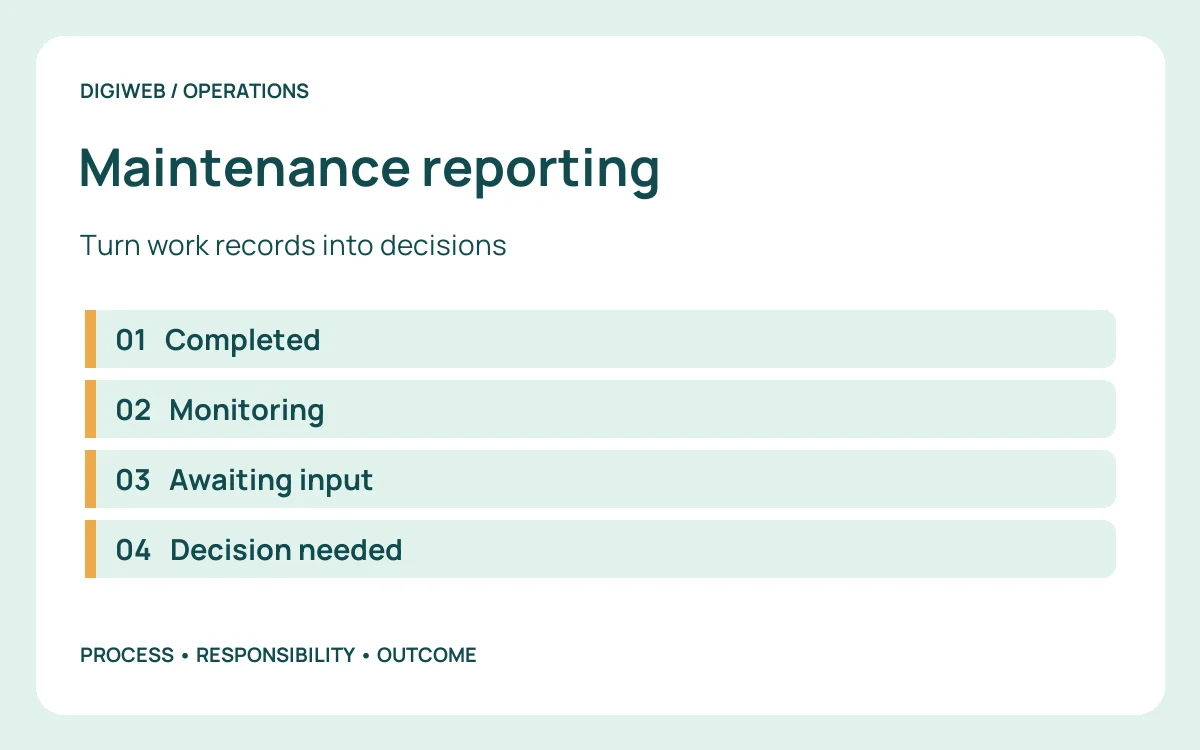
Match each task to appropriate evidence
For a software update, identify the versions or components changed, anything deferred and the relevant test results. For backups, identify the latest set and how far recovery has been verified. For forms, confirm the enquiry journey within the agreed scope. Each task calls for its own evidence.
Evidence need not expose sensitive information. Record a timestamp, an internal request ID and the test conclusion without attaching customer contact details. Readers should be able to follow up and verify a finding without receiving an export of all raw operational data.
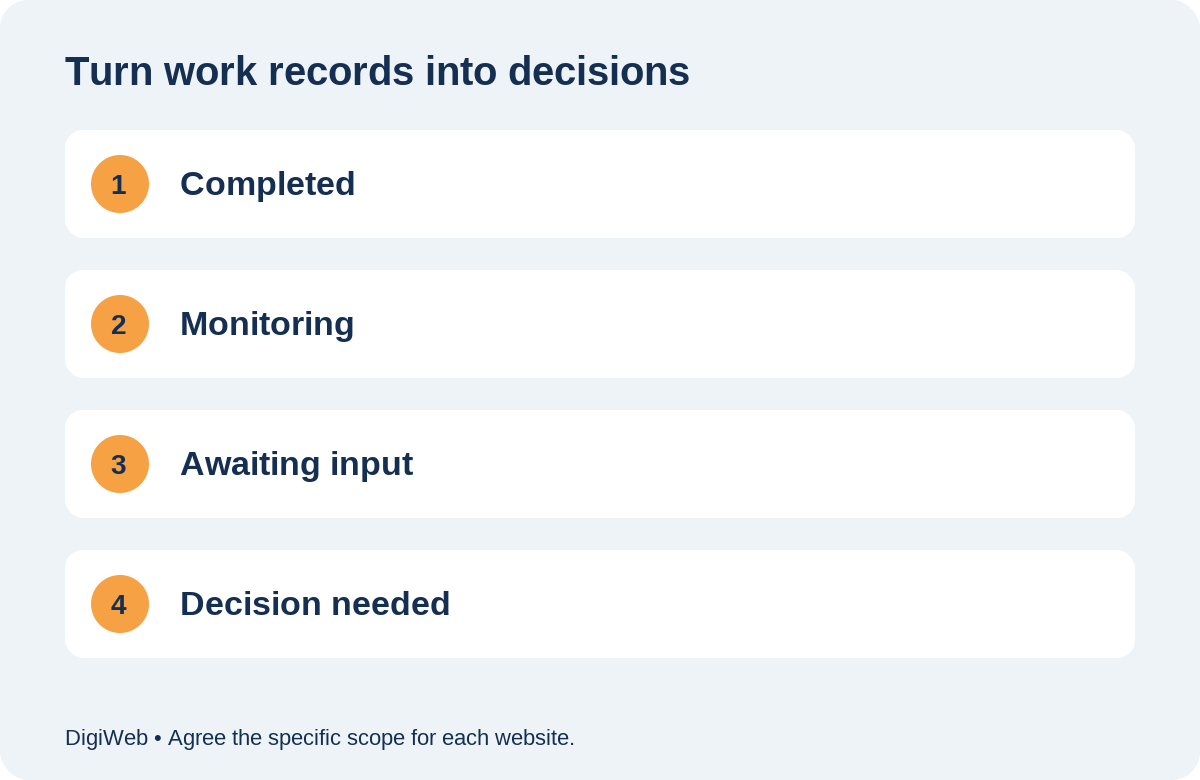
Distinguish resolved issues, items under observation and decisions needed
| Status | Information to include |
|---|---|
| Completed | Test results and scope verified |
| Under observation | Signals to watch and review date |
| Awaiting input | What each party must provide to proceed |
| Awaiting a decision | Options, impact and approver |
| Outside scope | Reason and proposed next step |
An issue recurring across reporting periods deserves more than a copied entry. Explain why it remains open, the risk of leaving it unresolved and the next step. “Awaiting confirmation of the licence account” gives someone a task. Repeating “plugin not updated” leaves everyone guessing.
Read metrics in context
Access times, server errors, speed measurements and enquiry volumes can reveal trends. Record the data source, pages, period and any changes in measurement method. Lab scores from two different configurations cannot establish that user experience improved by the same amount.
Likewise, fewer alerts do not prove that the site became safer if monitoring coverage also narrowed. A good report states the limits of its data. For SEO, impressions, visits and enquiries are different signals. Do not attribute every movement to one technical maintenance task.
Use a short meeting to reach concrete decisions
A report might identify an integration that repeatedly fails after external changes. The decision may be whether to repair it, replace the service or accept a temporary limitation. Management needs to understand the impact of each option and which work the current agreement covers.
After the meeting, record an owner, an action and a suitable review date. Every issue need not be resolved in the month, but significant risks need an owner. If the backlog keeps growing and the report never leads to a next step, revisit the way the teams work together.
For each item in the monthly report, ask for three things: the impact on visitors, evidence after the work and any decision still required from the business. When a fault returns repeatedly, assign someone to investigate the cause even if each individual incident was closed.
A concise report structure to request
A report can cover the overview, completed work, test results, incidents, backlog and recommendations. Keep a separate technical appendix where useful. The site’s scale and the amount of change should determine length, not a fixed page count.
Start with the monthly checklist, then ask for a report that makes the results and responsibilities clear. When discussing long-term operations with DigiWeb, start with the questions management needs answered each period before choosing a report layout.