
Start with the data loss your business can tolerate
A site that rarely changes and a system that continuously takes enquiries should not share a backup schedule simply because they use the same platform. If you had to return to an earlier point, what would staff have to re-enter? Is there an independent record to reconcile against? The answers help determine how often to take backups.
Distinguish the period of data you might lose from the time the service might be unavailable. A recent backup does not guarantee a quick recovery if the environment, access rights and sequence of actions are unprepared. Agree on both objectives according to the site’s importance to the business. Advertised figures from another service package are a poor substitute.
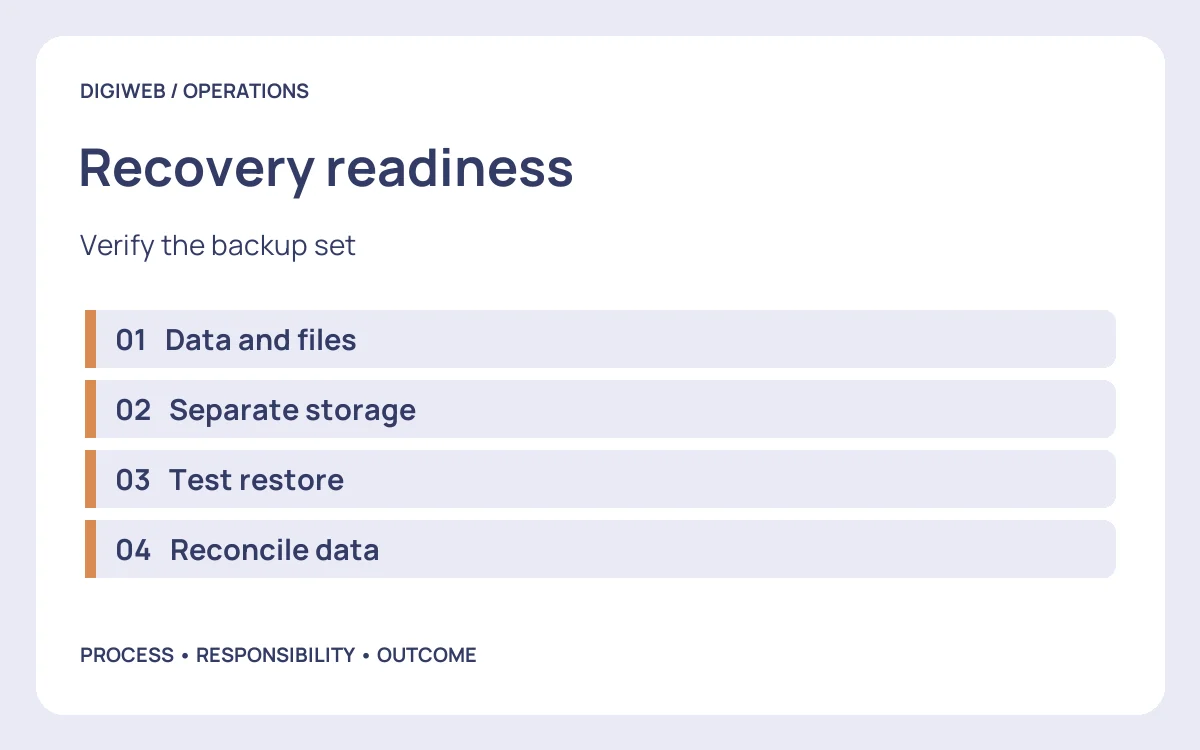
What must a backup set contain?
WordPress database content and files are separate. Posts live in the database, while uploaded images, themes and custom code live in the file system. Copying a single directory or exporting just the posts is insufficient to recreate the whole site.
Server settings, scheduled jobs, mail delivery and external dependencies also matter. They need not all be in one archive, but you need an inventory and a way to recreate each one. Recovery documentation should point authorised staff to the secure place where secrets are managed. Do not put passwords in a publicly downloadable file.
Keep backups separate from the primary point of failure
If the only backup shares the website’s server and account, an infrastructure failure or loss of access can affect both. Clarify the storage layers, access rights and retention periods. The right tool depends on the infrastructure and the company’s data-management requirements.
Restrict who can download, delete and restore backups. A website backup may contain private data. Keep it out of public directories and uncontrolled sharing channels. When responsibilities change, review access to the backup store as well as website administrator accounts.
What should a restore test prove?
| Check | Evidence to record |
|---|---|
| Backup set | Timestamp, included components and readability |
| Test environment | Isolated restore location and authorised users |
| Functions | Content, files, login and critical journeys |
| Integrations | Settings to restore and safeguards against affecting production |
| Conclusion | What passed, what is missing and what to do next |
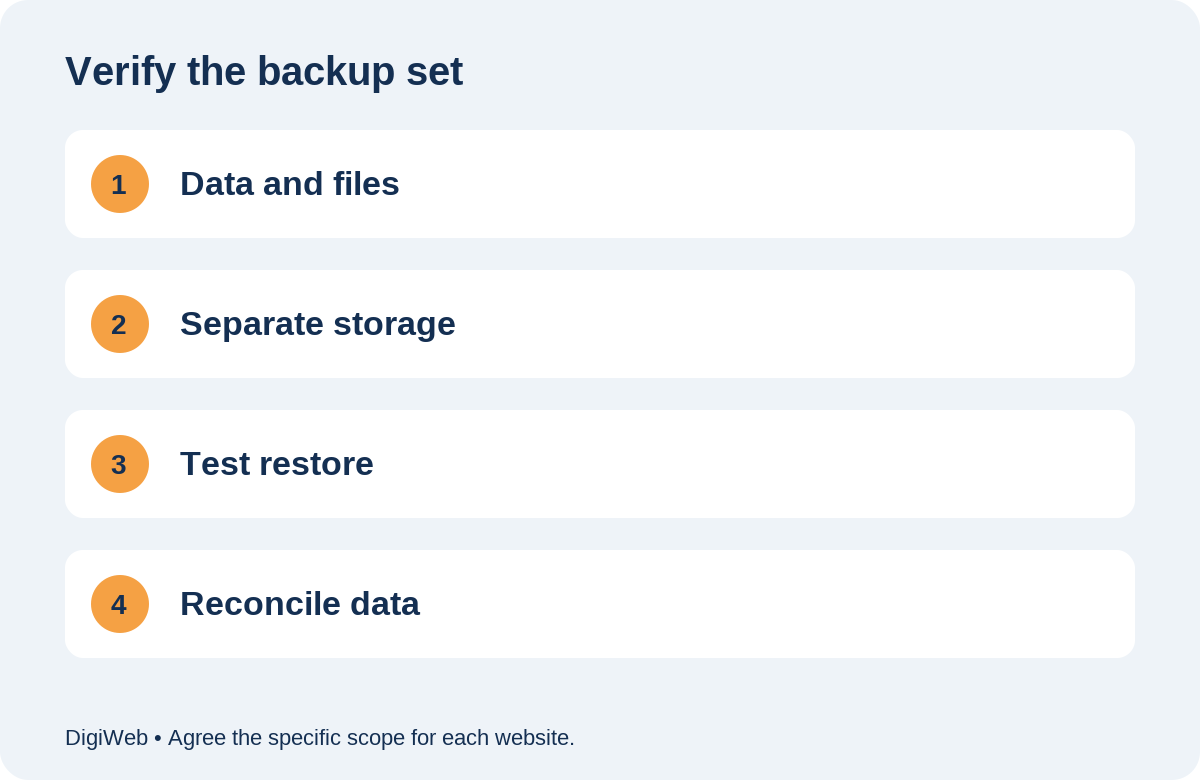
A meaningful restore test checks working functions beyond the successful-import message. If the site is multilingual or stores files with an external service, include those features in the recovery scope. A pass describes the backup set and conditions tested. It cannot prove that every future copy will work.
Account for data created after the backup
Suppose a backup predates a group of new sales enquiries. Restoring it unchanged could remove those enquiries from the current system. Identify the records you can reconcile, how to preserve new activity and when to pause writes if that is genuinely necessary. This example shows why restoration is a business decision as well as a technical one.
The business should know who can authorise a return to older data. Before acting, the technical team must explain the potential loss. During an emergency, an agreed point of contact and decision rules reduce time spent debating while keeping the consequences under control.
In an isolated restore test, select a published post and a file uploaded shortly before the backup. Verify both, log in with a test account and check background jobs with outbound mail blocked. Record the timestamp of the recovered data separately from the time it actually took to make the restored site usable.
Questions to bring to an operations review
When was the last copy taken? What does it contain? Where is the independent copy? Who can retrieve it if the current supplier stops supporting you? How far did the last restore test go? Specific answers tell you more than a tick beside “backups enabled”.
Use the official WordPress backup documentation to distinguish database content from files. When discussing the scope of website maintenance, include a practical recovery test instead of assuming that a backup service guarantees you can restore the site.