
Identify the evidence each audience needs
A buyer choosing a supplier may need the service scope, relevant projects and an explanation of how the teams will work together. Applicants want to understand the role and working environment. Partners need dependable company information. Repeating the same adjectives on every page serves none of them well.
Collect the questions sales hears repeatedly and identify evidence you may publish for each one. A precise description of your role in a project is usually more persuasive than an undefined “comprehensive solution”. Where you cannot substantiate outcomes, describe the work you can verify.
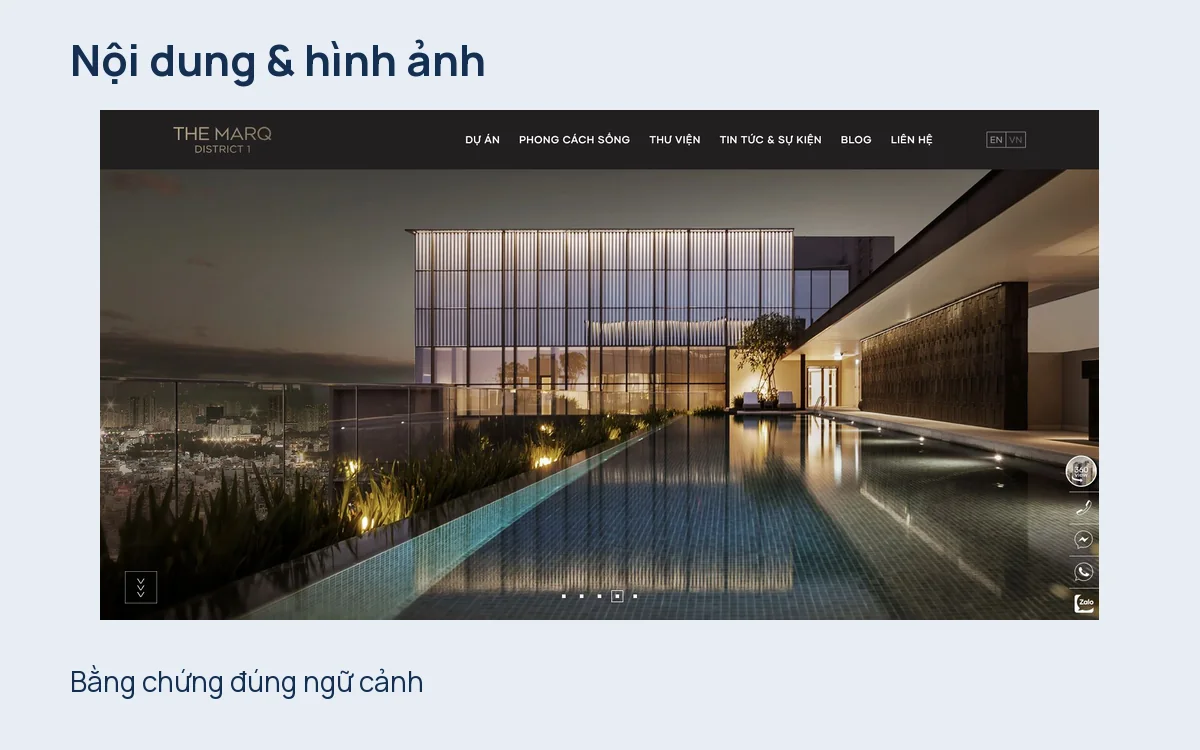
Distinguish photographs that document work from explanatory illustrations
Photographs of an actual project, product or interface can help confirm what is being presented. Diagrams and illustrations explain processes, structures and situations. They serve different purposes. Never pass an illustrative scene off as evidence of actual staff or a real project.
Every page need not feature people. A product close-up, document, space, piece of equipment or clear diagram may be more appropriate than a person beside a computer. When using illustrated characters, keep the style consistent and describe the context accurately. Do not attach invented staff biographies or credentials.
Build an image inventory around the content
| Page or area | Images to consider |
|---|---|
| Company capabilities | Activities and assets approved for publication |
| Services | Deliverables, processes or a diagram showing scope |
| Projects | Relevant interface, completed work or actual product |
| Expert articles | Explanatory diagrams and relevant detail shots |
| Contact | Maps and information that help visitors reach the correct place |
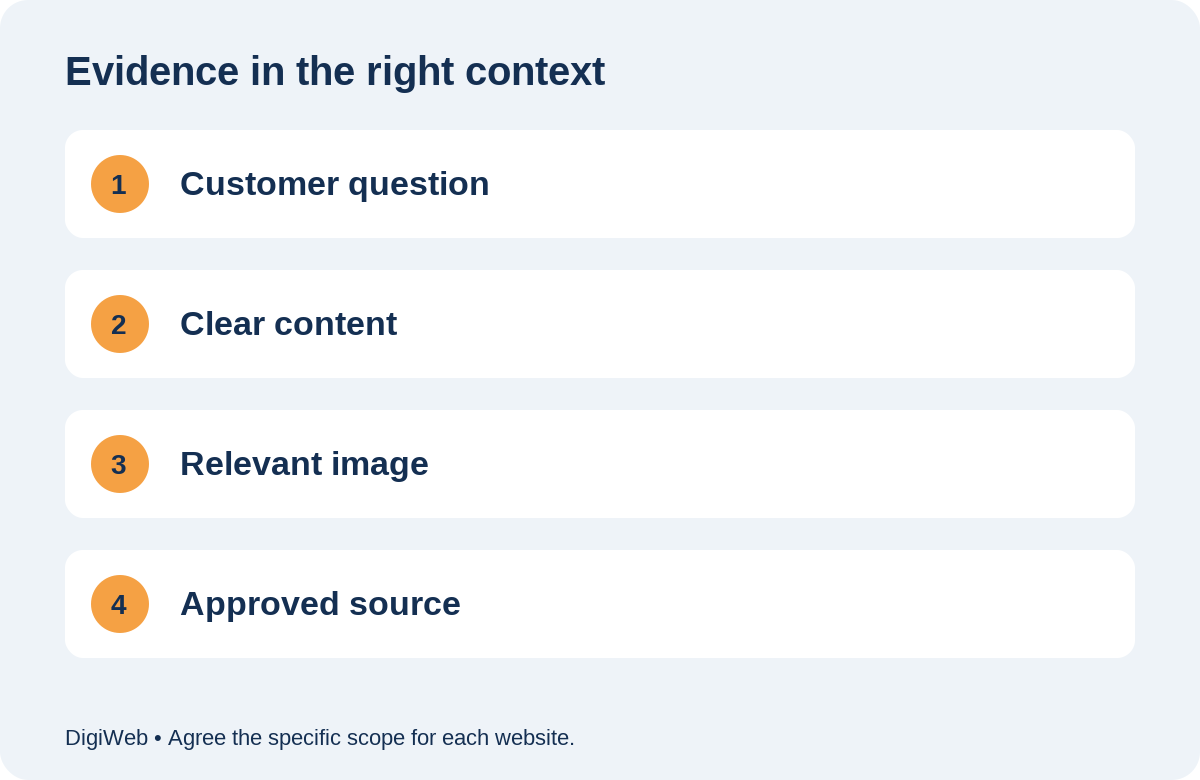
For each image, establish its source, usage rights and an accurate caption. A client sending a photograph does not automatically authorise publication of everything visible in it. Check screens, paperwork and other details for exposed information before adding it to the library.
Be specific while protecting private information
A project page can explain the context, task, work delivered and what fell outside the project. When publishing results, identify the data source, period and limits of interpretation. A technical measurement cannot support claims about revenue or rankings without the relevant data.
Internal materials may need editing for customers. Image-production notes, job codes and approval requests do not belong in a customer-facing caption. Publish complete information and assign someone to check its accuracy.
Balance image clarity and loading time
Use a descriptive filename, alt text that makes sense in context and dimensions suited to the placement. Where the implementation supports it, provide screen-specific variants with explicit width and height. Repeating the service keyword in every alt attribute is unnecessary.
Review screenshots with small text after compression. If an image carries important information, explain it in text or provide a readable table on the page. Consult Google’s image guidance for implementation details. Technical optimisation alone cannot guarantee image rankings or enquiries.
Before approving an image, open the actual mobile crop and check the detail readers need to see. On an annotated product photograph, put important specifications in page text as well so customers can read them when the image is small or still loading.
Build an asset library for long-term use
Manage the original, optimised versions, source and intended use. When the design changes or a new language is added, the team can retrieve the correct asset instead of downloading a repeatedly compressed copy. Review images containing text whenever the underlying information changes.
See how DigiWeb connects website design with brand identity, then organise your asset library around the questions your customers need answered. Images and copy should work together to show what the company can actually do.