
Why clicking Update is only one part of the job
A WordPress website can combine custom themes, commercial plugins, custom code, and external services. Changing one component can affect other parts, even if the homepage remains functional. For websites with many features, a thorough evaluation before making changes helps determine the appropriate level of testing required.
This doesn't mean delaying all updates. It's important to distinguish between security patches, functional changes, and major upgrades, and then consider the potential impact and the support status of the affected components. Any decision to delay should be well-reasoned, with a temporary workaround and a plan for review; it shouldn't simply become a prolonged postponement.
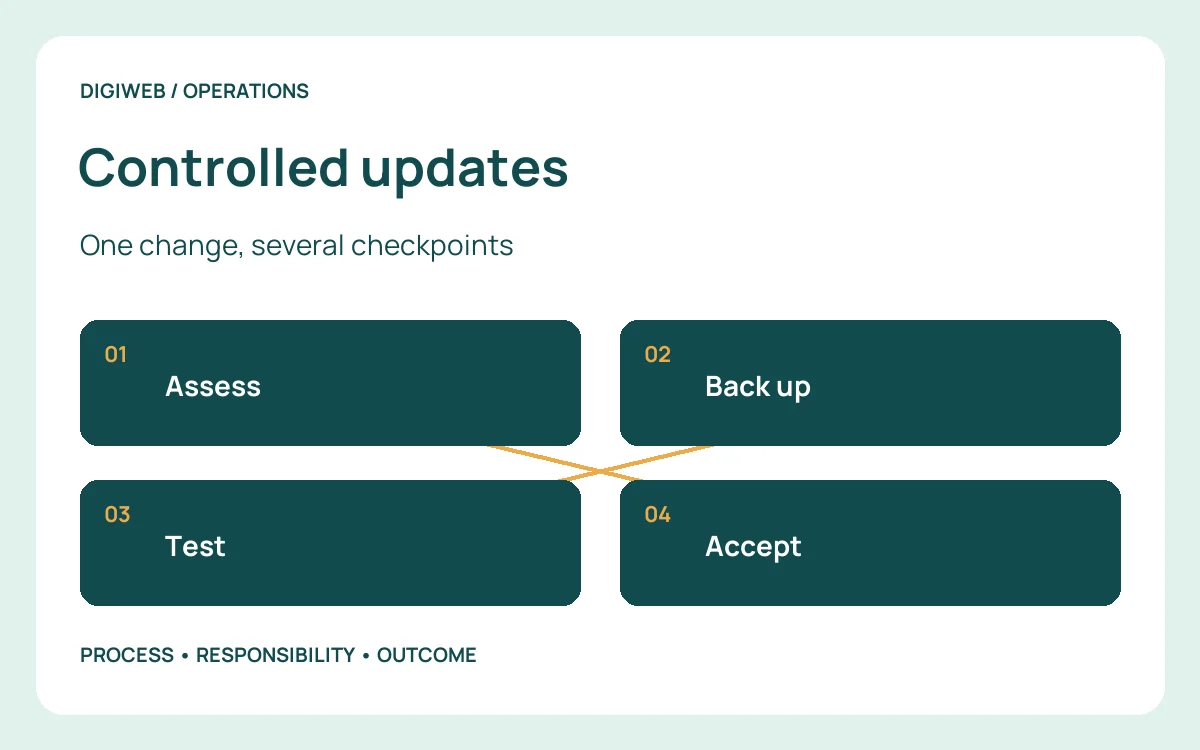
List dependencies before making changes
Identify the installed version, where customisations have been made and which functions depend on the plugin you plan to update. For a licensed plugin, check your entitlement to download updates and the authorised support channel. Do not use a copy of unknown origin to overcome a budget constraint.
Businesses can provide a list of key tasks: submitting requests, searching for documents, selecting a language, logging in, or placing orders. This list becomes a business checklist. It helps technical staff avoid focusing solely on easily visible pages.
Prepare a usable backup and a suitable test environment
The backup must contain the necessary data and files to restore the website to a functional state. It should also be clear when the backup was created and who has the authority to use it. If the website is continuously receiving new data, the restoration process should account for any changes made after the backup was created, avoiding a purely mechanical restoration of the entire site.
The test environment allows for observation and validation before making changes to the live website, but it must be properly isolated. Notifications, CRM integration, and payment processing should be carefully controlled to prevent unintended requests or transactions. Sensitive data should be minimized; a test environment copy should not be automatically made publicly available or accessible to search engines.
Break the change into verifiable steps
| Stage | What to confirm |
|---|---|
| Before the update | Dependencies, backup and stop conditions |
| Testing | Critical functions and faults found |
| Deployment | Who will do the work, the time window and point of contact |
| After deployment | Business workflows, display, logs and monitoring |
| Closure | New versions, outstanding issues and next steps |
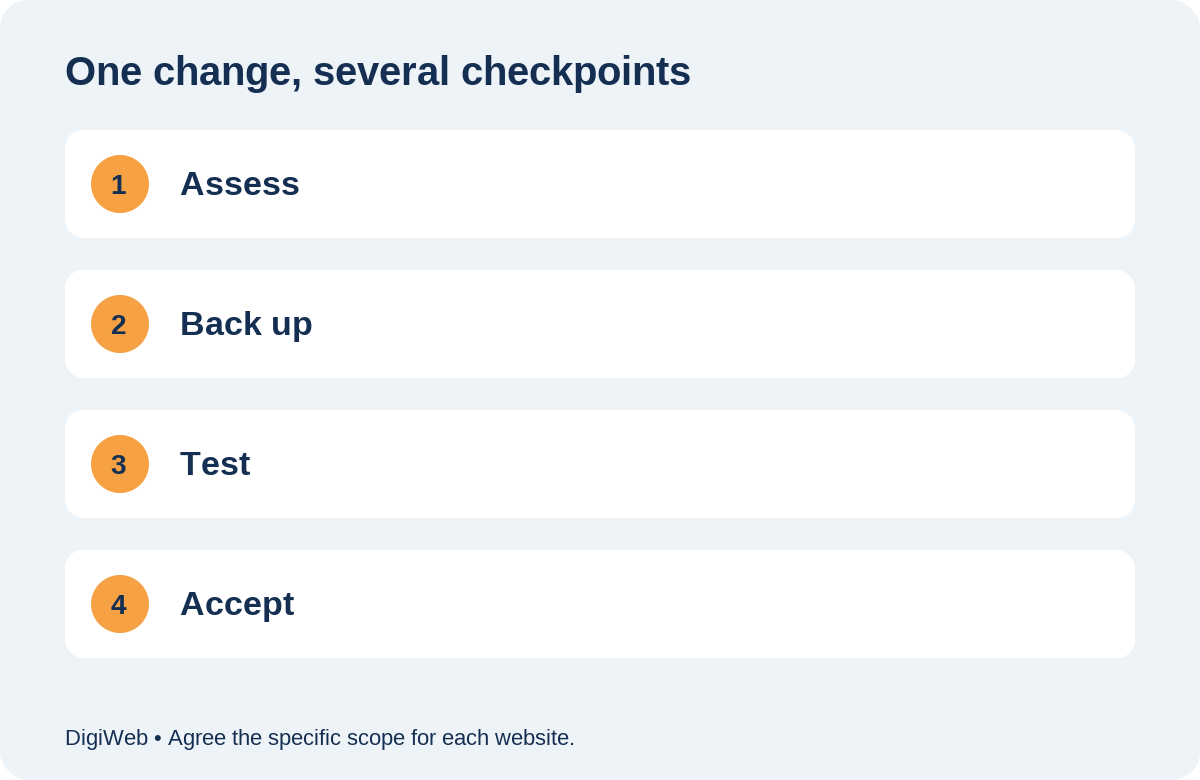
It's best not to make multiple, unrelated changes in a single update if it makes it difficult to identify the cause of any problems. However, the order of updates should be based on actual compatibility; there is no fixed order of plugins that is safe for all websites. For major changes, it's important to record the state before each step and only proceed when the conditions are met.
Test what customers actually do
Test on representative pages and relevant devices, including tasks performed in the administration area. Follow form submissions through to the receiving team. If the site serves a separate mobile version or AMP, test that version too, including its content and metadata.
For example, a multilingual plugin might still display the language selection button but direct the user to the wrong article. Therefore, the testing process should include the navigation path from the currently viewed page to its corresponding version, not just a screenshot of the menu. Small errors in the final step are often difficult for businesses to detect if they only look at the homepage.
Write a test case for the plugin you plan to update. For a form plugin, record the starting state, send a request with test data on staging, confirm where it arrives and try an invalid entry. A thank-you screen alone can hide a failure to deliver the enquiry to sales.
When should you roll back?
The conditions for stopping the process must be agreed upon beforehand: critical functional errors, inability to process requests, or data corruption are situations that require immediate assessment. Recovery is not simply replacing the plugin directory; updates can also alter the structure or content of the database. The person performing the recovery must verify the recoverability of the entire relevant dataset.
After the work, record the installed versions, test results and anything that could not yet be upgraded. Consult the official WordPress upgrade guide for advice on preparation. If the site has accumulated customisations over the years, review its current state with the maintenance team before applying a standard update procedure.