
Distinguish the legal structure from the visitor’s path
An internal organisation chart matters, but it does not always reflect how customers find services. Visitors may know a sector, a location or a subsidiary’s brand without knowing the legal entity. If the site simply mirrors the organisation, they must understand it before they can identify whom to contact.
Choose useful entry points, such as business sectors, the group’s family of brands, member companies or projects. These paths can connect, but they need rules so they do not create near-identical pages with conflicting information. Give each page a clear role in answering a reader’s question.
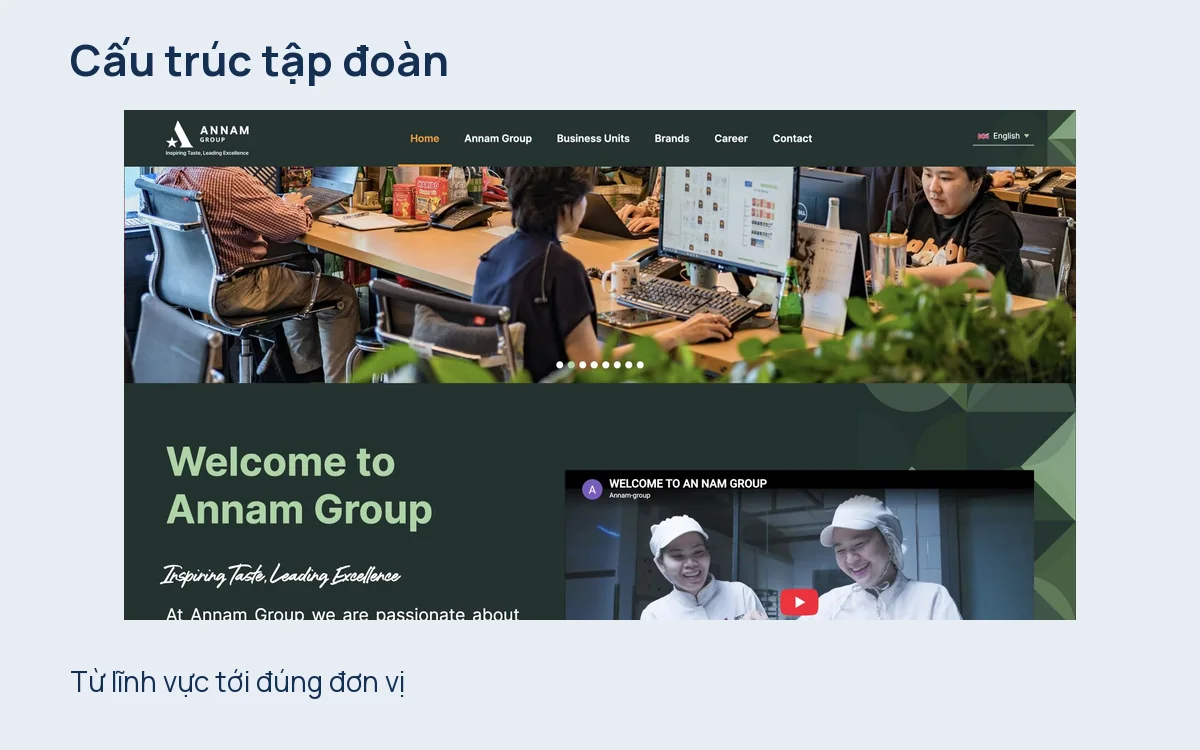
Clarify the roles of the group site and member sites
Some units need a short profile on the group website. Others need an independent site with its own functions. Decide according to the audience, brand and capacity to maintain content. Launching several sites to suggest scale is counterproductive if nobody keeps them current.
For independent sites, define the links and content boundaries. The group site might explain the unit’s role and link to detailed information instead of duplicating its entire catalogue. Basic facts such as its name, sector and contact channels need a reliable source of record.
Model the content before designing a large set of pages
| Content type | Relationship to clarify |
|---|---|
| Member company | Business sector and locations served |
| Sector | Associated companies and projects |
| Project | Responsible unit and scope approved for disclosure |
| News | Group or unit story, and who approves it |
| Contact | General contact and specialist contacts |
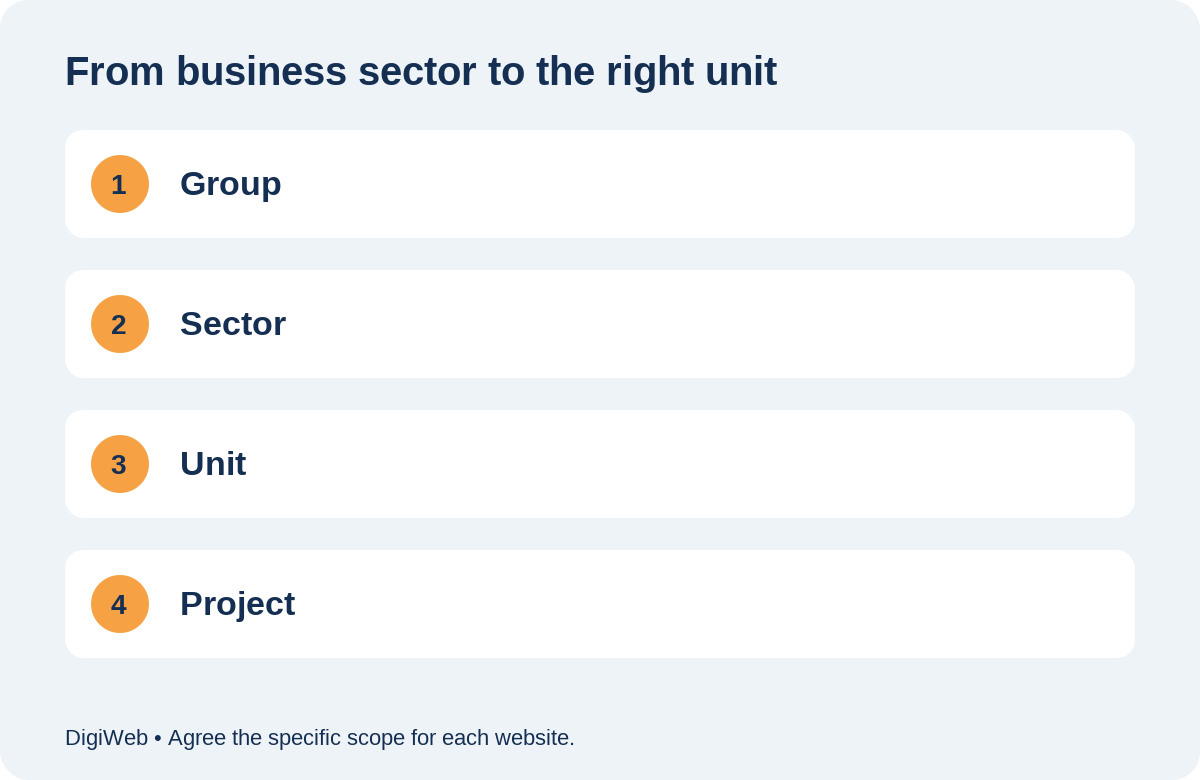
This model reduces repeated entry of the same information. When something changes, the business knows which source to update and which related pages to check. It also provides a sound basis for filters and contextual links before fragmented data makes those features difficult to build.
Test the structure with real tasks
Test a buyer looking for a supplier in one sector, an applicant seeking a local company and a partner assessing project capabilities. Where does each person start, what decisions must they make, and what information do they reach? A fixed click target is unnecessary, but ambiguous choices need attention.
Consider visitors who land on a deep page from search. Can they tell where they are? Breadcrumbs, headings and related company information provide context. A large menu cannot replace navigation embedded in the content of each page.
Align publishing permissions with how the business operates
If several units publish, distinguish the author, approver and owner of the overall structure. Freedom to update content need not give each unit the ability to rename categories or change the classification system. Shared rules keep the site consistent as it grows.
For multilingual sites, decide which content requires every edition and who keeps the editions aligned. Empty pages or outdated translations can misrepresent the state of the business. That work needs a content owner. A language switcher cannot do it.
Test the structure by renaming a member company on paper. List the pages, menus, documents and translations that would change. If the name appears in many places without a common source, the cost of updates grows with the number of units.
Evaluate room for growth before signing off the design
Try adding a unit, sector or group of projects to the model. If each addition requires changes to numerous templates, the structure may be too closely tied to today’s organisation. An excessively flexible system that internal users struggle to administer is equally unsuitable.
When discussing corporate website design with DigiWeb, share the group’s organisational structure and the tasks visitors need to complete. An effective structure is one the business can maintain and customers can understand and use.