
Define exactly what feels slow
A slow initial page load, slow search and slow content save are different problems. One visitor may see the page quickly but wait before a button responds. Another may notice slowness only when downloading a large document. Record the journey and conditions before drawing a site-wide conclusion.
Select pages with a business purpose, such as services, categories, product details or campaign pages. A fast, attractive homepage does not represent the whole system. On multilingual sites, check whether an edition has its own data or integrations that affect processing time.
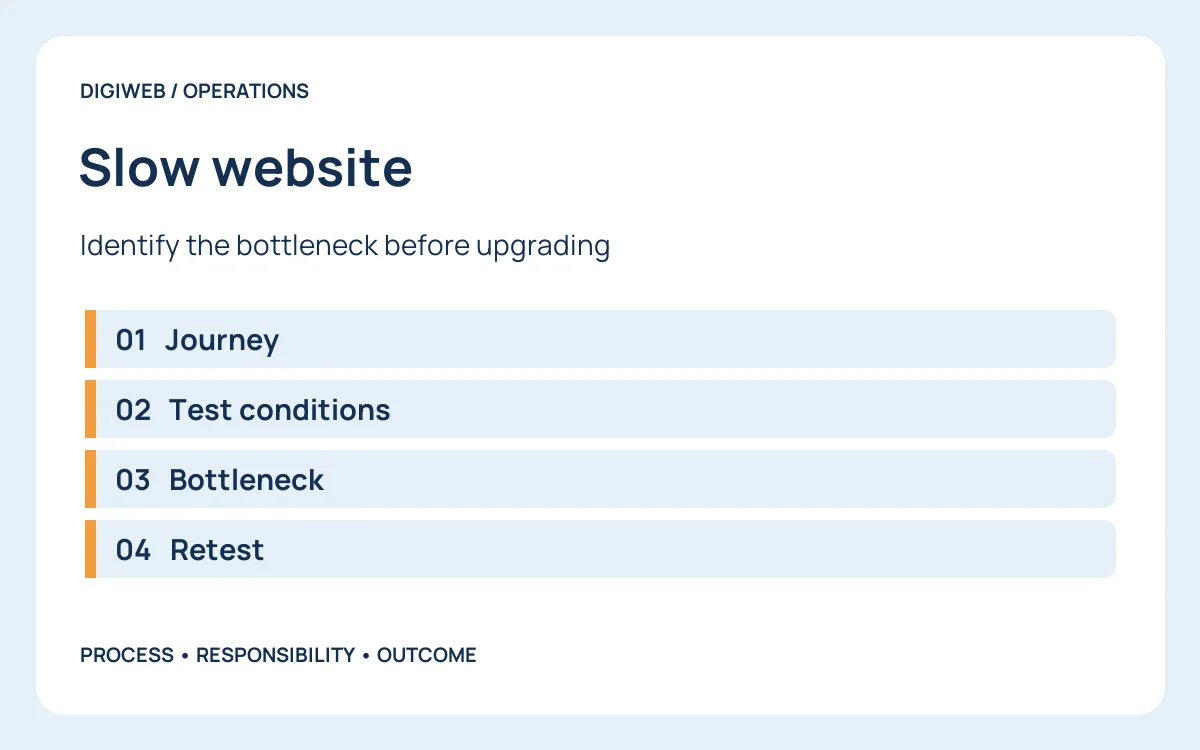
Read measurements alongside the test conditions
Lab measurements help reproduce and investigate issues under controlled conditions. Real-user data reflects the conditions recorded for actual visitors. The two complement each other. A single tool run cannot represent every customer’s experience.
Record the URL, device, network, sign-in state and measurement time. Compare before and after under conditions as similar as possible, and explain any limits. Improving a score is of little business value if customers still struggle to find a product or submit an enquiry.
Locate the bottleneck before choosing a solution
| Symptom | Possible causes to examine |
|---|---|
| Slow server response | Application processing, queries, resources and service dependencies |
| Main content appears late | Images, fonts, blocking resources and page structure |
| Slow response to taps or scrolling | Front-end code, long-running tasks and embedded tools |
| Slow only at peak times | Concurrent demand, infrastructure limits and bottlenecks |
| One journey is slow | Data, queries or integrations specific to that journey |
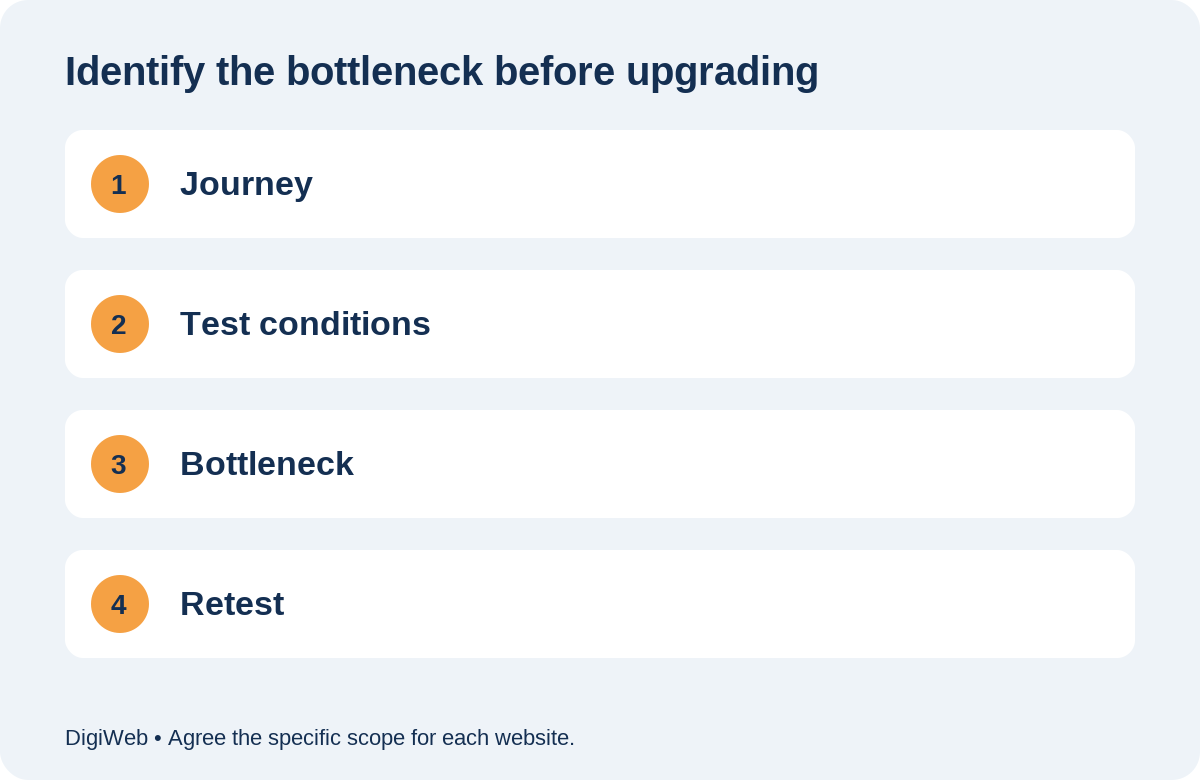
The table suggests lines of investigation, not a formula for remote diagnosis. More memory can help when memory is exhausted but cannot fix an external connection that takes too long to respond. Obtain suitable application and infrastructure evidence before recommending an upgrade.
Weigh images and embedded services against their practical value
Large images, self-loading videos and embedded tools can increase the amount a page must load. Removing them wholesale may also remove information customers need. Distinguish essential images, images further down the page and components that need to load only when used.
A project page, for instance, may rely on high-quality photography to persuade customers. Balance visual quality, the image size delivered to each screen and when it loads. Compressing a file until brand details become illegible sacrifices the purpose of the image for a smaller file.
When the evidence supports an infrastructure upgrade
An upgrade is justified when measurements show the current resources or architecture cannot meet demand and application-level issues have been considered. State the expected improvement, unresolved issues and how to verify the result after the switch. Include recurring cost and responsibility for operating the new environment.
Moving servers also involves data, configuration and sometimes email or DNS. A different resource allowance is only one part of the change. Plan rollback and test critical journeys so a performance improvement does not introduce an operational fault.
Measure a cached page separately from a dynamic action such as search. Record the URL, device, time and cache state. If only one page template is slow, inspect its resources and queries before upgrading the entire server package.
Set goals around the user’s experience
Identify the page and action to improve, and specify how you will measure the result again. Core Web Vitals measure aspects of user experience. They cannot replace business-function testing or guarantee a search ranking. See the Web Vitals documentation for what the metrics cover.
Before buying additional capacity, give DigiWeb the URL, the slow action and the times it usually occurs. Identifying the bottleneck helps direct the budget to the part likely to solve the actual problem.