
Inventory pages before deciding which to retire
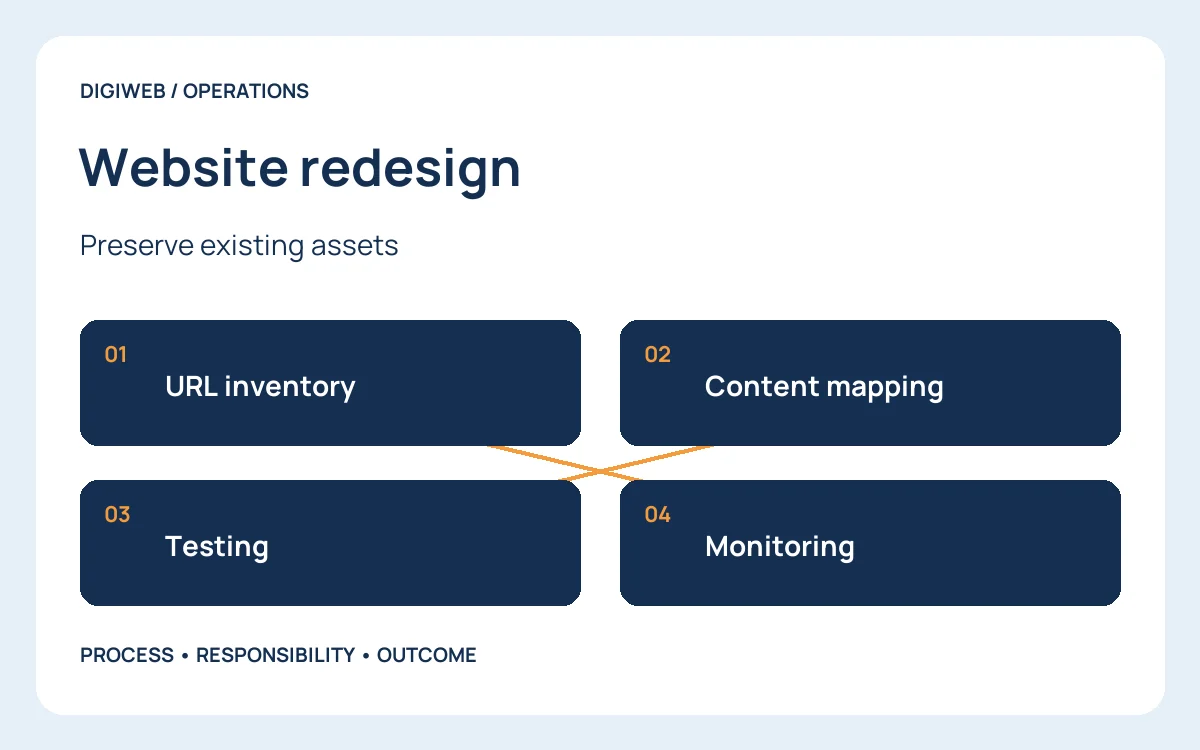
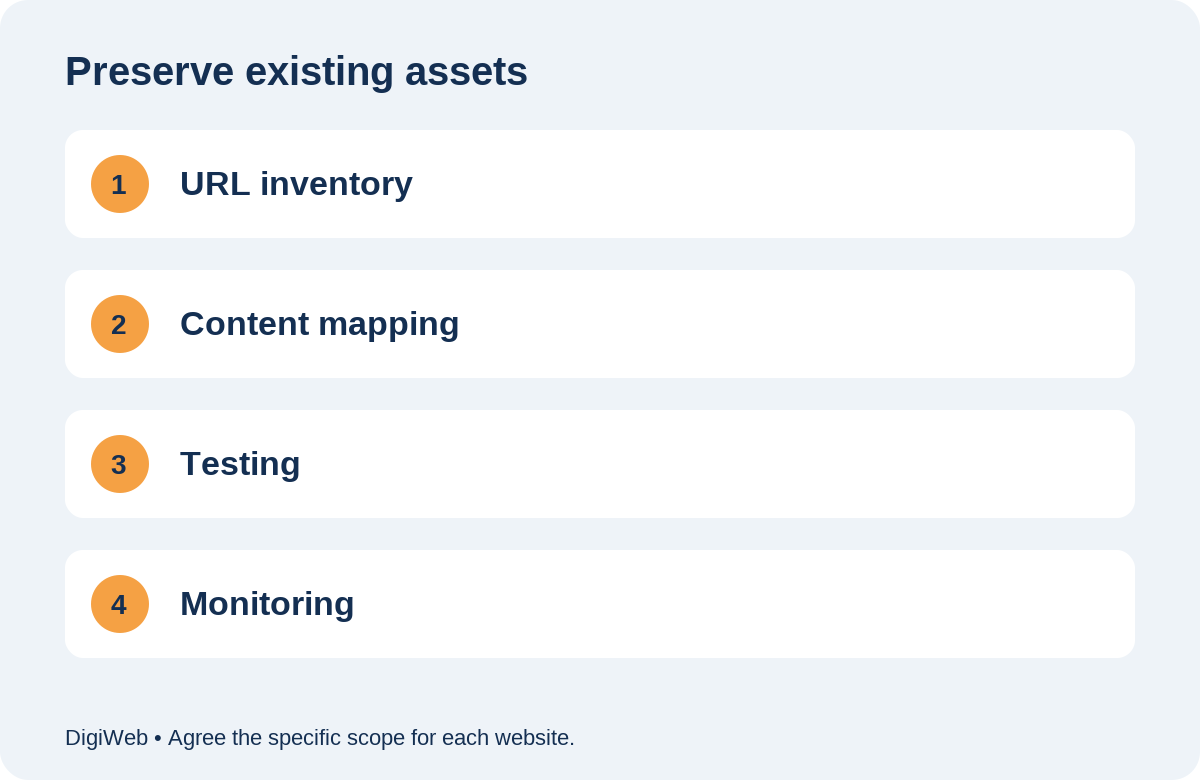
Collect URLs from the current site, its sitemap and other sources the business is authorised to use. Identify services, articles, documents, language editions and links used in ads or sales materials. Following the menu alone can miss many deep pages.
Traffic and search information help explain a page’s role, but a short period without clicks is a weak reason to delete it. Some pages serve a small but important audience or a specific sales stage. Involve sales, content and technical staff in the assessment.
Treat visual redesign and URL changes as separate decisions
A project can improve presentation while retaining valuable URLs. If a new structure or content requires a URL change, document why and map the appropriate destination. Renaming every slug for visual consistency offers little when the benefit is unclear.
For each old page, record whether it stays or changes, its corresponding destination and the content to preserve. Sending every old page to the homepage usually strips away the visitor’s context. Check whether the replacement actually answers the original need.
What to compare between the two sites
| Item | Verification question |
|---|---|
| Content | Have key points, prices or terms been lost or changed? |
| URL | Is the URL retained or appropriately redirected? |
| Metadata | Do the title, description and canonical URL identify the correct page? |
| Languages | Are all corresponding editions present and linked correctly? |
| Documents and images | Do the links work, and do publication rights still apply? |
| Forms and measurement | Does the enquiry journey still work after the change? |
Compare with a saved source, not the implementer’s memory. Changes to an owner’s wording require separate approval. A redesign does not automatically authorise changes to an approved price table, terms or message.
Test the new environment before launch
Prevent unintended indexing of the test environment while allowing the project team to check it thoroughly. Test representative URLs and valuable legacy cases, including parameterised links still in use. Check devices and dedicated mobile variants according to the actual site architecture.
Check the release conditions for lifting staging restrictions. A working production site may still carry a staging noindex directive or crawl block. Opening staging too early can also expose a duplicate. Assign an owner to confirm each transition.
Launch with a monitoring and rollback plan
Prepare suitable backups, a change inventory and rollback conditions. If the site receives data during the switch, plan to preserve new records. After launch, monitor access errors, forms, redirects, the sitemap and search data over an appropriate period.
Search visibility can fluctuate after a major site change. Avoid promising to preserve every position or judging success from one check. Consult Google’s guidance on site moves with URL changes where paths will change, and apply it to the actual scope of your project.
Follow an old URL that receives traffic all the way to the new page. Inspect its response code, the destination content and the targets of internal links. Redirecting everything to the homepage loses context even when the browser shows no error.
Include asset preservation in the design brief
State at the outset which pages, content and systems must be preserved. The proposal should explain how the partner will inventory, migrate and verify them. Allocate time for that work before approving the interface rather than treating it as a secondary promise afterwards.
Share your current website and the reasons for the redesign with DigiWeb. Alongside a clear design direction, understanding the assets you already have helps improve the user experience while keeping control of what the business needs to preserve.