
Can visitors reach the site and complete their task?
An availability check can detect certain outages. A normal server response cannot establish that a visitor completed the journey. A page may return an error message in its content, a form may fail to forward an enquiry, or a download may point to the wrong document.
Choose a few important capabilities to monitor, such as reading service information, finding content, submitting an enquiry or accessing an authorised area. You need not automate every action at the outset. Make clear which functions are monitored automatically and which still need manual checks.
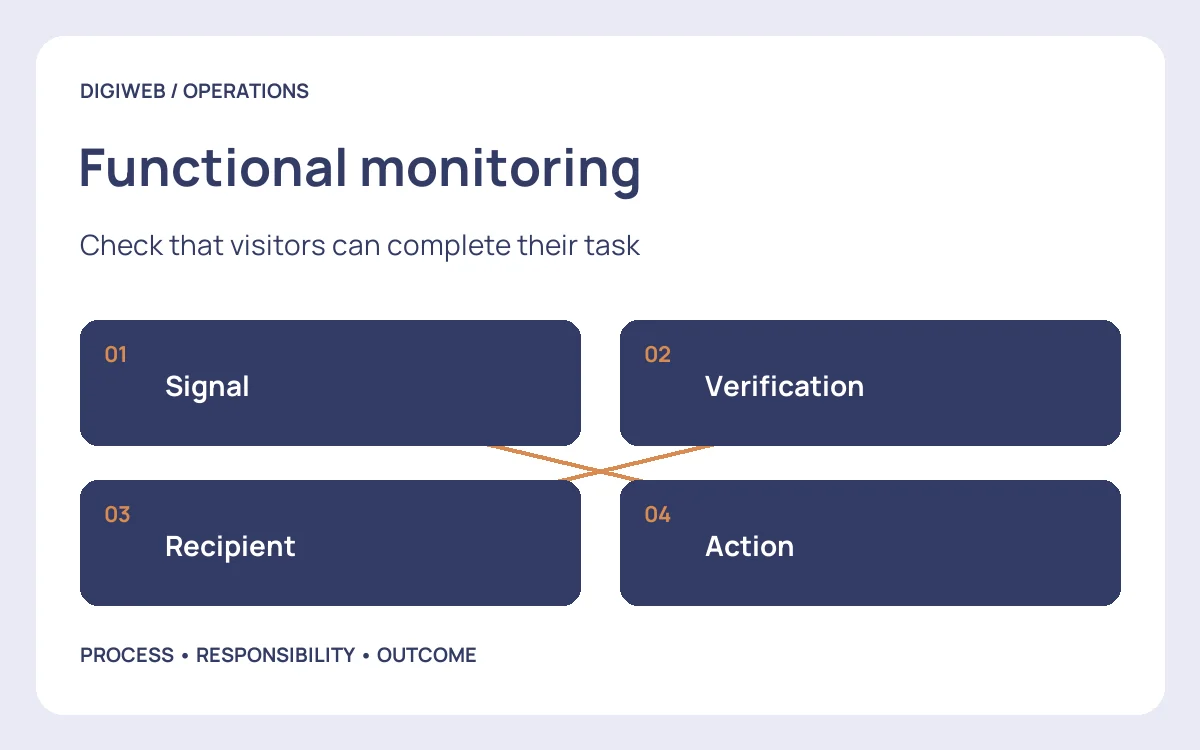
Choose signals according to business impact
For a business that receives leads through forms, the enquiry journey matters. For a document-heavy portal, search and downloads may matter more. Select monitoring coverage from actual usage rather than applying one configuration to every client.
Include an external observation point and, where appropriate, information from the application or server. Monitoring only from the hosting location can miss user-side problems. Conversely, a failure at one remote probe is insufficient evidence that the site is down for everyone.
Give each alert a defined response
| Signal | Operational question |
|---|---|
| Site unreachable | Has a second source confirmed it? |
| Unusually slow response | Which page, at what time and with what impact? |
| Critical journey fails | Can the user take another path? |
| Backup is out of date | When was the last usable copy made? |
| Integration reports an error | Who reconciles the affected requests? |
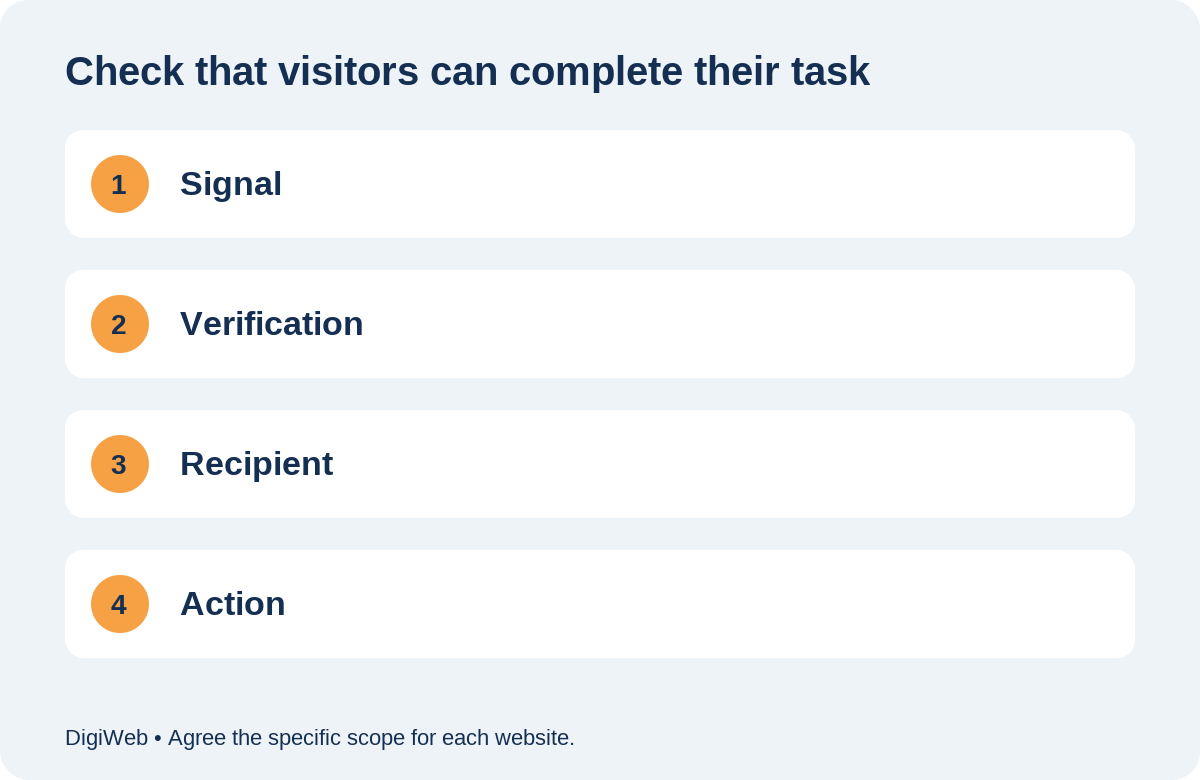
Identify the alert recipient, a substitute and the support scope. Continuous alerts without an owner leave the business with a busy inbox. Distinguish notifications requiring an immediate response from information to review on a schedule.
Prevent monitoring from triggering unintended real-world actions
Automated form submissions can create junk records, send mail or distort conversion reports. The consequences are greater where payment or external notifications are involved. Design an authorised test, choose a suitable environment or use a way to identify test data if the system supports it.
Limit monitoring-tool credentials and manage them securely. For a private area, consider a test account with the minimum data necessary. A service that only checks whether a page opens does not need an unrestricted administrator account.
Review alert quality after each change
Over-sensitive thresholds may train recipients to ignore alerts, while overly broad thresholds miss significant issues. Review false positives, missed incidents and the time it takes the owner to notice a problem. Adjust thresholds using evidence from the actual site.
Update tests when URLs, languages or enquiry flows change. An outdated monitoring script can keep passing after it stops representing a real user journey. The test suite itself is an asset that requires maintenance.
Choose a journey with a verifiable end point. For a consultation form, the test finishes when the recipient can find the unique test reference. Label monitoring data separately and agree how to exclude it from lead reports.
Combine monitoring with scheduled checks
Monitoring helps detect signals. Scheduled reviews cover content, access rights and areas difficult to automate. The two complement each other. Uptime alone cannot guarantee that every function works or that every customer request reached its destination.
Start with the functions to check each month and decide which need more frequent monitoring. Give DigiWeb a list of business-critical functions so we can agree on monitoring coverage and how the teams will coordinate.