
Map access rights across systems
Website administration is only one part of the system. The domain, DNS, hosting, source code, backup storage, analytics and mail service may belong to different accounts. If the company does not know who controls each one, changing provider or resolving an incident can stall at a basic step.
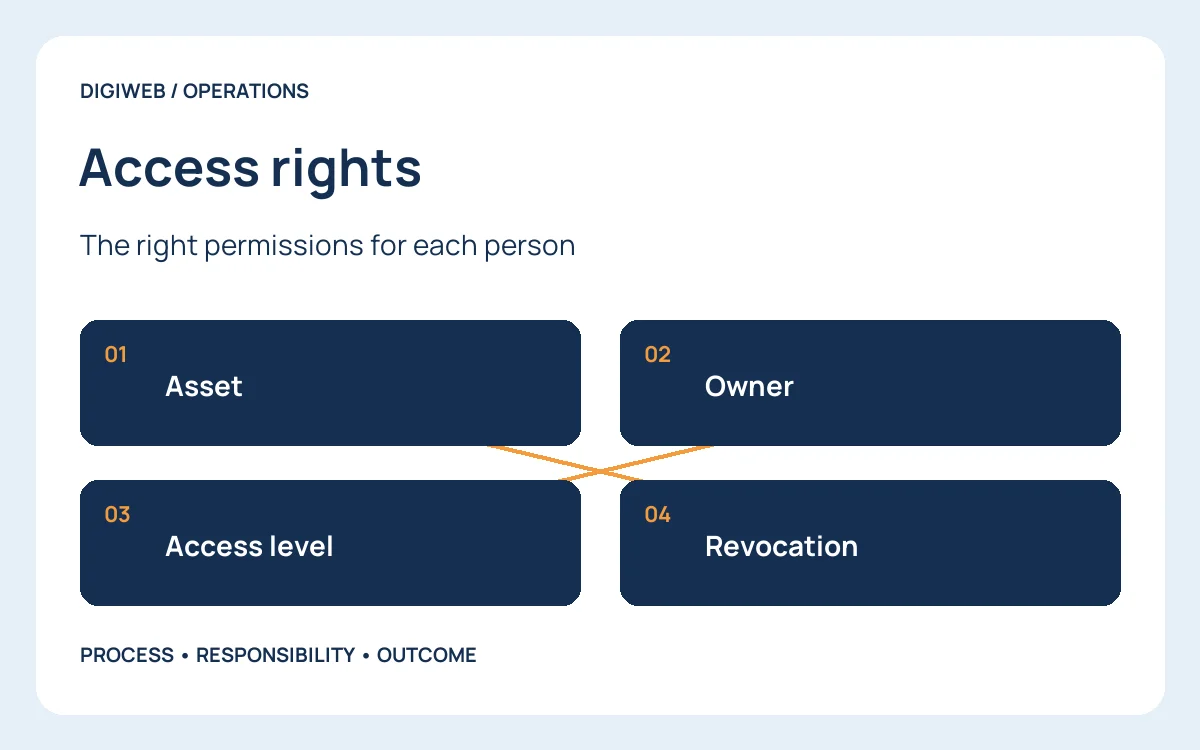
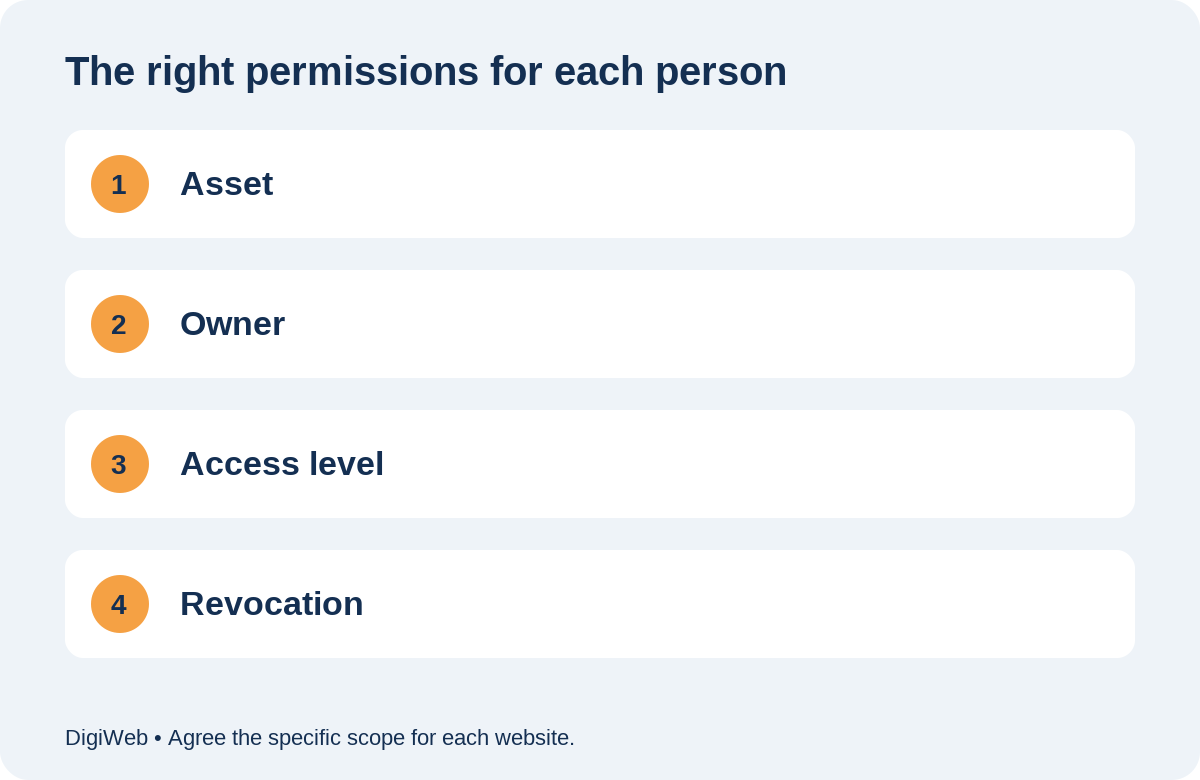
Record each asset, its owner, its administrator, the access level and the account-recovery channel. Passwords and recovery codes do not belong in a routinely shared inventory. Store them using a method of managing secrets that meets the company’s policies.
Grant access according to the work people do
A publisher does not necessarily need permission to install plugins, and a report reader need not edit configuration. Role-based access limits the impact of mistakes and identifies who is responsible for changes. Where a system offers few access levels, explain that limitation and consider alternative working arrangements.
Where supported, give each person doing the work an individual account rather than sharing one across the team. Logs can then provide better context. Separate accounts alone are insufficient if everyone has maximum privileges and there is no process for revoking them.
Define when each grant of access ends
| Situation | Access to consider | What to record |
|---|---|---|
| Staff member publishing articles | Content within their assigned scope | Approver and editable areas |
| Partner fixing a fault | Technical access needed for the task | Reason, expiry and point of contact |
| Analyst monitoring performance | Appropriate report-viewing rights | Assets they may access |
| Departing employee | Revoke access after confirming handover | Relevant accounts, sessions and keys |
Avoid sharing passwords in group conversations that include people outside the task. Choose a suitable way to grant and revoke temporary access for each service. Keys and tokens have their own lifecycles. Changing the website password does not automatically revoke every other form of access.
Review access when staff or partners change
Handover must cover accounts created by the outgoing provider, shared permissions and live integrations. Distinguish removing a person’s access from disabling a service the website relies on. Deleting the wrong account or integration key could stop mail delivery, scheduled work or data connections.
Confirm the change with the parties involved, record the replacement owner and test functions after access is revoked. For owner accounts covering the domain or a critical service, clarify who can recover the account and which company is registered as its holder. Settle this before an emergency.
Keep an audit trail without collecting excessive data
Appropriate logs help establish who changed what and when. Avoid recording passwords, personal data submitted through forms or customer details merely to make troubleshooting convenient. Match logging scope and retention to operational needs and the business’s data policy.
For example, to investigate an access-control error the team may need an internal account ID, action type and timestamp. It rarely needs a complete user profile copied into a shared report. A focused record supports troubleshooting and reduces the sensitive information that must be protected.
During an administrative handover, check who controls the recovery address for the domain account. An employee may be able to sign in today while the company still risks losing recovery access when they leave. Record the responsible role and verification date, and keep passwords off the handover sheet.
What should the business retain control over?
At minimum, know which assets belong to the company, who holds owner access and how operations can continue if the partner changes. Every employee need not hold every account. What matters is having authorised people and a clear recovery process.
If responsibility is changing hands, consult the handover checklist for changing maintenance providers. DigiWeb can discuss what to take over based on the access rights and assets you actually control. There is no need to send a collection of passwords in a chat.