
Choose languages to suit your readers and your team's capacity
A language edition is useful only if the customers who need it can read the essential information and get in touch easily. Identify the market, the team that will answer enquiries and the resources available to keep translations current. Publishing numerous editions with incomplete or outdated information can undermine trust.
If the site's goals and structure allow selective publication, every news item need not appear in every language. Give priority to company information, services and contact channels along the chosen customer journey. Set clear selection criteria so visitors do not find an edition that looks complete but ends at the homepage.
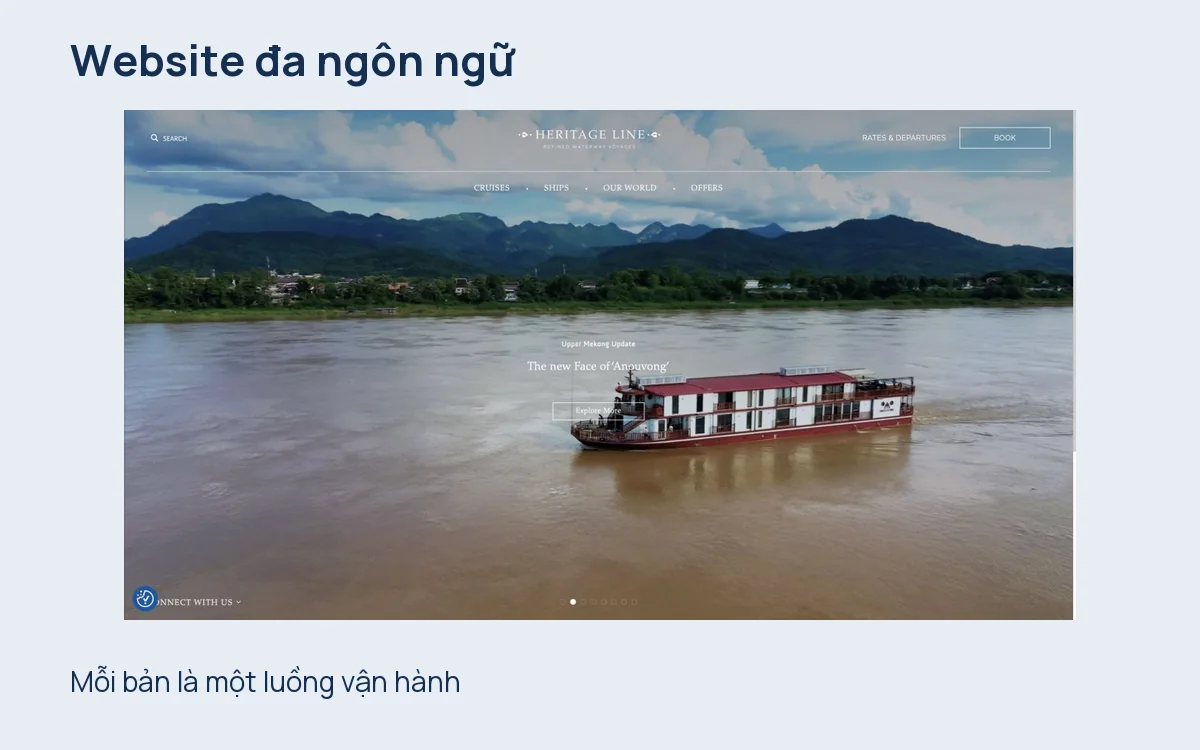
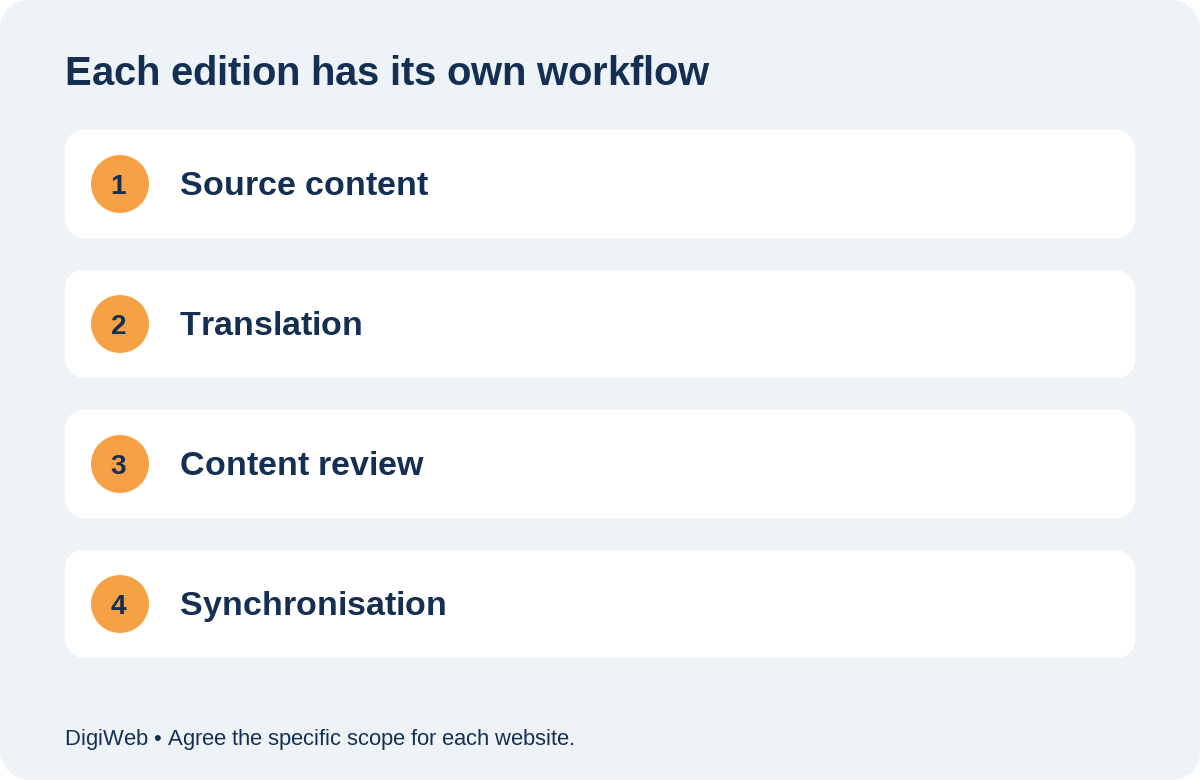
Identify the source and the reviewer for each edition
The business should know which version is authoritative, who approves terminology and who decides what happens when information changes. Machine translation can assist at one stage, but it cannot verify a registered company name, a contractual condition or whether wording suits a particular market. Assign someone to review sensitive material.
A short glossary of service names, business units and sectors keeps terminology consistent across pages. Record each item's status: translated, approved or due for revision. This matters especially when several editors contribute or each language uses a separate data layer.
Check more than the article body
| Component | What to check in each language |
|---|---|
| Main content | All points covered; figures and conditions accurate |
| Title and description | Reflect the content of this language edition |
| Images | Appropriate embedded text, alt text and captions |
| Links | Lead to the appropriate language or clearly identify the destination |
| Forms | Labels, feedback messages and the team receiving enquiries |
An actual interface screenshot can be shared across editions when its context is relevant. A text-heavy diagram usually needs localisation. Translating a paragraph while leaving most of a key table or illustration in another language forces readers to guess. They should be able to complete their task using the information provided.
Set rules for URLs and the language switcher
When a corresponding edition exists, the switcher should open it. If a translation is unavailable, handle that explicitly. Manage slug changes together with redirects and links. An established URL has a history; visual consistency alone is a poor reason to change it.
Metadata and alternate-language declarations must also reflect the content readers actually see. Consult Google's guidance on language editions during implementation. Technical declarations cannot compensate for an incomplete translation or a page that opens the wrong content.
Test the interface with different scripts and text lengths
Long labels can overflow buttons. Chinese, Japanese and Korean characters and Vietnamese diacritics need appropriate fonts. Test tables, menus and forms on a phone using real content. A layout that works with short test strings may still break with the final text.
If the website serves AMP or a separate mobile variant, test that version in every language. Content, images and contact details should agree within the intended scope. Narrowing a desktop window tests only part of the experience; it cannot establish what the server actually sends to a phone.
When a source condition changes, record the affected language URLs, each reviewer and the review date. Compare prices, currencies and service scope separately. A fluent translation can still state the wrong commercial terms.
Establish a process for updates after publication
When prices, legal information or service scope change in the source, assign someone to flag the editions that need updating. If a translation cannot be prepared immediately, decide what to display to avoid conflicting information. Set review intervals according to each page group's importance and rate of change.
DigiWeb can discuss an architecture and workflow that suit how your team operates. Before reviewing website design options, prepare a list of languages, reviewers and priority content. This gives each edition a foundation for long-term upkeep.