
Identify what the change could affect before drafting the checklist
A small visual change can affect a component shared by dozens of pages. Identify what changed and what else depends on it, such as page templates, languages, filters, forms, devices or traffic sources. Select a representative test sample from that scope instead of opening pages at random.
Add the business perspective. For a page about to receive paid traffic, test the destination with campaign parameters and follow the enquiry through to sales. For a product-data change, check search and downloadable documents. The acceptance scope should reflect what visitors need to accomplish.
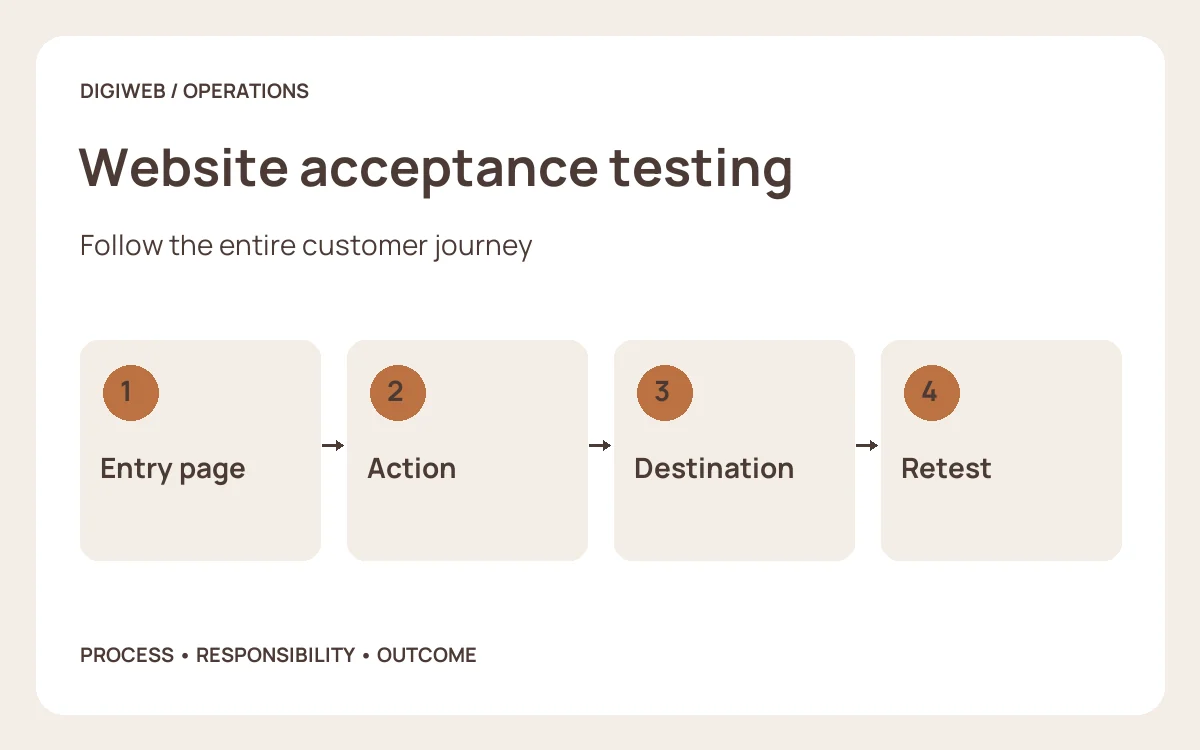
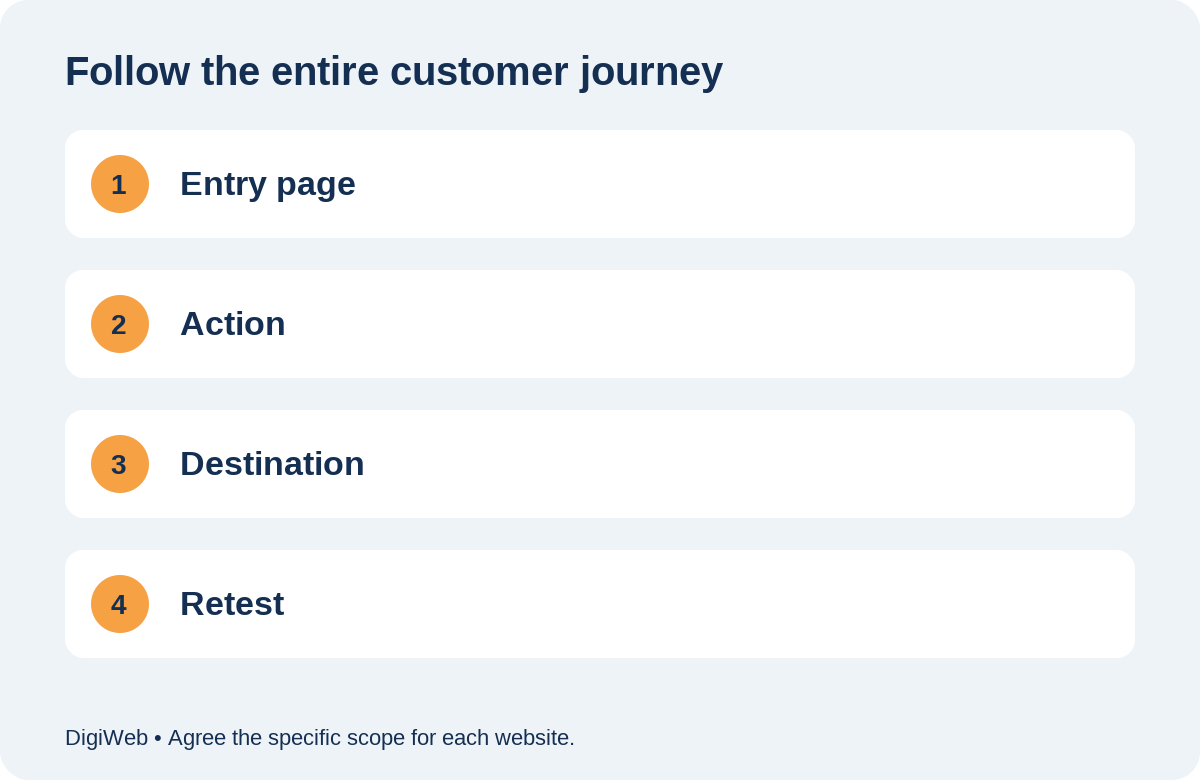
Choose representative journeys and follow them to completion
One journey might start in search, reach a service page, continue through its information and end in an enquiry. Follow it beyond the submit button. How does the system receive it, is the notification correct, and what reaches the person handling it? On a CRM-connected site, distinguish a request stored on the website from one delivered to the CRM so you can locate the fault.
Another journey runs from an editor updating information to a visitor reading the new version. It can reveal caching problems, permission issues and inconsistent language editions. A signed-in administrator and a signed-out visitor can receive different pages, so test the visitor experience in its own session.
Check different screens and content variants
Checking phone widths helps expose overflowing text, unreadable tables and hard-to-tap buttons. If the site serves phones a distinct HTML variant, resizing a desktop browser is insufficient. Retrieve the version actually served to the phone and check its content and functions.
Where the site uses AMP, validate the AMP document and test the user journey. A syntactically valid page can still contain the wrong phone number or omit content. A page that looks correct can also fail technical validation. The two checks answer different questions.
Record results so someone else can repeat the test
| Field to record | Example entry |
|---|---|
| Page and conditions | Service page, signed-out visitor, phone |
| Action | Enter the agreed test data |
| Expected result | The correct department receives the complete enquiry |
| Actual result | Pass or fail, with a timestamp and supporting evidence |
| Follow-up | Owner, impact and retest |
Keep test data distinct from real customer records. When testing mail, orders or external services, prepare safeguards against unintended transactions and notifications. Do not include real customer information in shared screenshots or documents merely to demonstrate that a function works.
When a fault affects only some users
Sometimes an administrator sees the new page while visitors still get the old one, or only one language edition fails. Record the conditions under which it occurs. Sign-in state, URL, time and device give technicians a way to reproduce the issue that “it works on my machine” does not.
After a fix, repeat the original failing test and check nearby functions the change might affect. Deploying code to the server is usually too early to close the request. Completion should depend on the acceptance result and any remaining issues the parties have agreed to accept.
For a service-page change, start from the link customers actually use. Open it on a phone, follow the contact button and reconcile the test request at the receiving end. The acceptance record should include the URL, device, person verifying the result and first step at which the outcome differs from expectations.
Reuse acceptance results in future tests
Stable journeys can become a reusable test set. Update it when the site gains new features. The business does not need a huge manual. It needs a core set of checks that confirms the site can still do its job.
Use these tests alongside the monthly website inspection checklist. When assigning work to DigiWeb, include acceptance criteria in the initial request so both parties know when the work is complete and how to verify the result.