
Trace one request from its source to the team that handles it
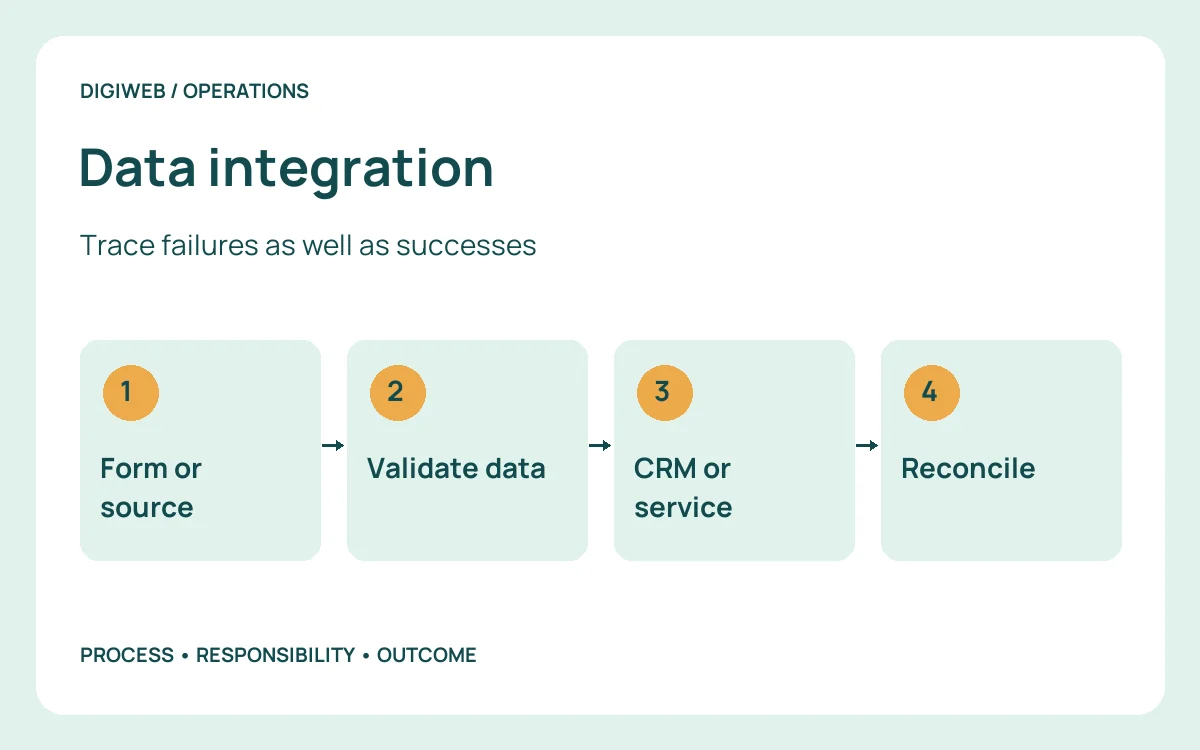
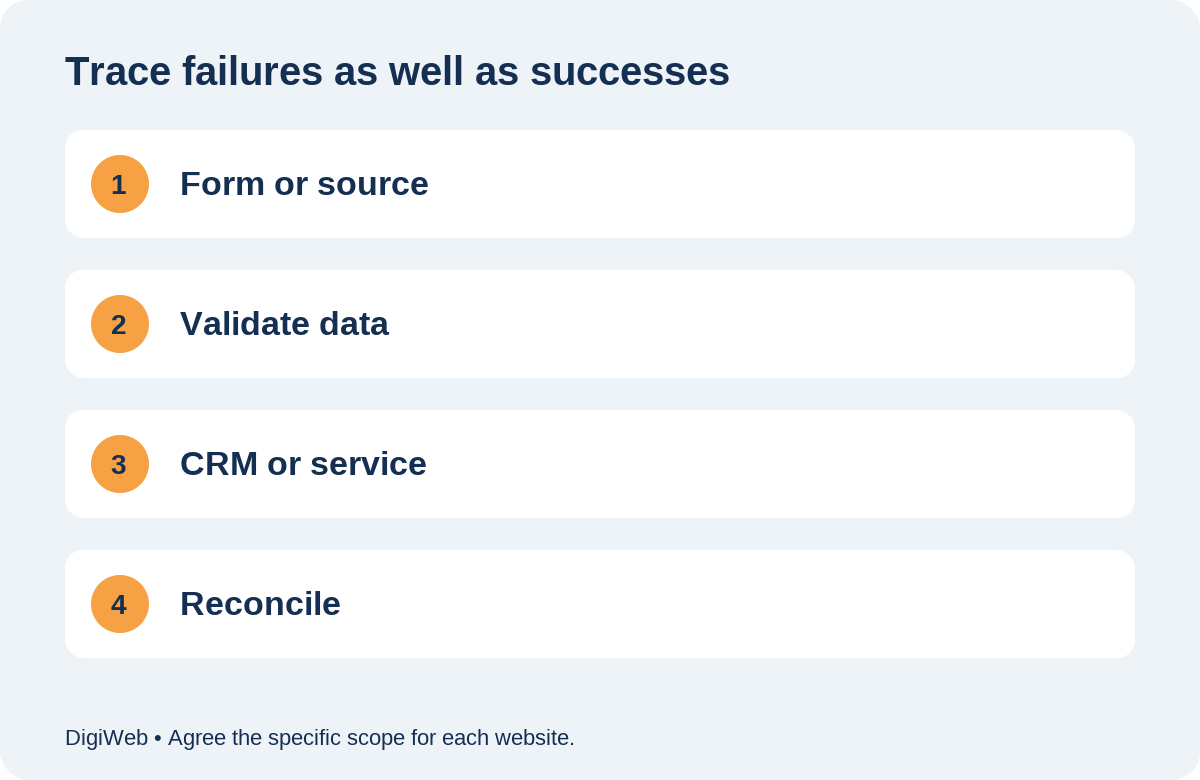
Suppose a customer submits a form, the site validates the data and forwards it to a CRM. The CRM may assign a staff member and send notifications. Identify the system of record, which systems merely keep copies and where the final handling status lives. Otherwise each party may assume the other has saved the data.
Include failure paths in the diagram. If the CRM temporarily stops accepting requests, what does the visitor see, and where does the enquiry wait? The answer depends on the actual design. Queuing, fallback storage and automatic retries are not universal features.
Agree on data requirements and acceptance rules
Document field names, phone-number formats, service codes and mandatory data. Even an apparent change to a form label can alter how sales classifies enquiries if the system uses that value in processing.
Decide which data actually needs to move. Avoid transferring additional personal or internal information merely because the API permits it. Manage access rights and connection secrets separately, with an owner and a process for revocation when partners change.
Distinguish connection failures from business-rule errors
| Situation | What the business needs to know |
|---|---|
| Connection fails | Is the request retained, and who receives the alert? |
| Connected but request rejected | Which field is invalid, and who must correct it? |
| Accepted with missing information | How to reconcile the record and add missing data |
| Repeated submission | How to identify a request that has already been processed |
| Partner changes its configuration | Who notifies the team and tests compatibility? |
Automatic retries are not always safe. Without a way to recognise a transaction or request, repetition can create duplicate records or trigger multiple notifications. Review the service’s behaviour and the business rules before choosing how to handle retries.
Test what happens when either side is unavailable
A successful request alone is insufficient testing for a critical integration. Under an authorised test plan, check responses to missing data, a slow service and credentials that are no longer valid. Establish what visitors see and whether the operator can detect the condition.
Keep the test environment distinct from production. When a production check is necessary, limit the data and notify the departments involved. Avoid creating a flood of test requests in the CRM the sales team uses.
Monitor signals that lead to action
Where the system supports it, reports should show successful, failed and pending requests. A useful alert has a recipient and an initial response path. Logs should support tracing without recording access keys or unnecessary sensitive content.
Use reference IDs and timestamps for reconciliation instead of emailing full customer records among suppliers. If the system cannot reconcile requests, identify that gap in the development scope. The statement “API connected” should not conceal it.
In a test environment, simulate a timeout and resend the same request. Compare its reference on the website and in the CRM to see whether one record or two were created. Use that result to agree on retry and duplicate-handling rules before launch.
Include integrations in long-term operations
Document the owners on both sides, environments, dependencies, failure signals and change procedure. The maintenance agreement should state what it covers and what requires the CRM or another provider. A website team cannot commit on every external service’s behalf without the corresponding authority and agreements.
When speaking with DigiWeb, share a connection diagram and describe the issue without disclosing secrets. Use our guide to the difference between maintenance and development to decide whether to monitor an existing integration or redesign part of its data flow.