
Map checkpoints along the enquiry journey
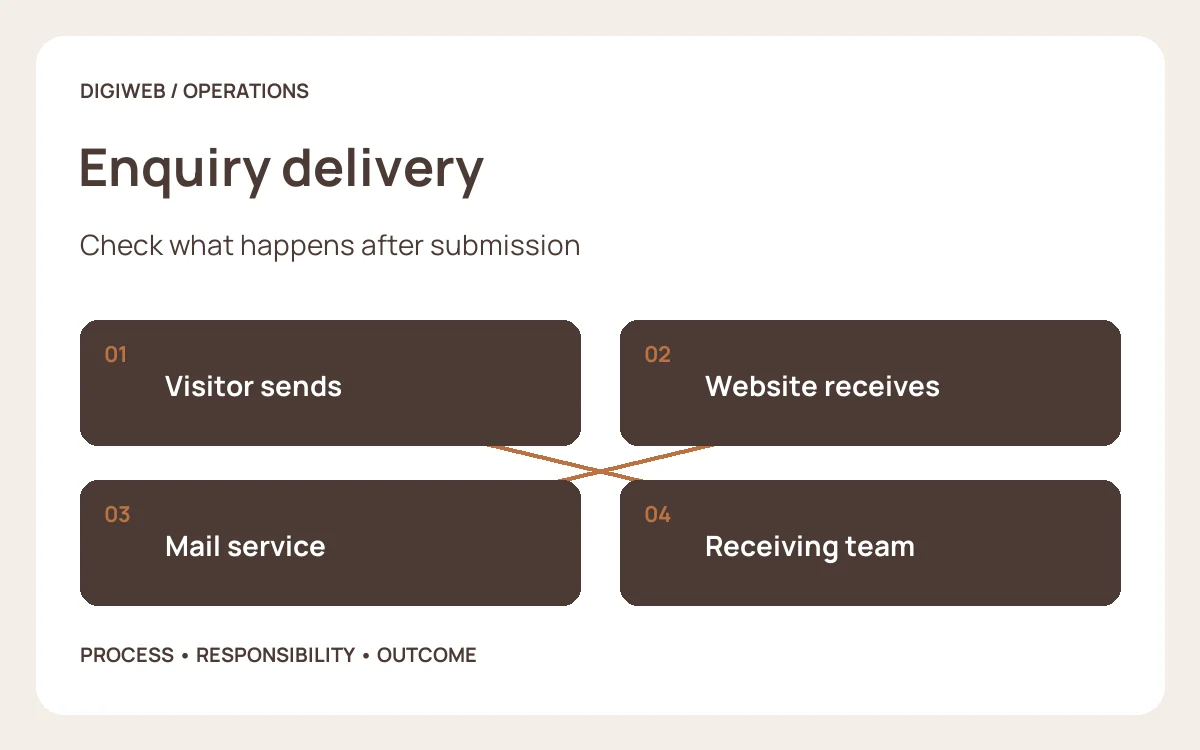
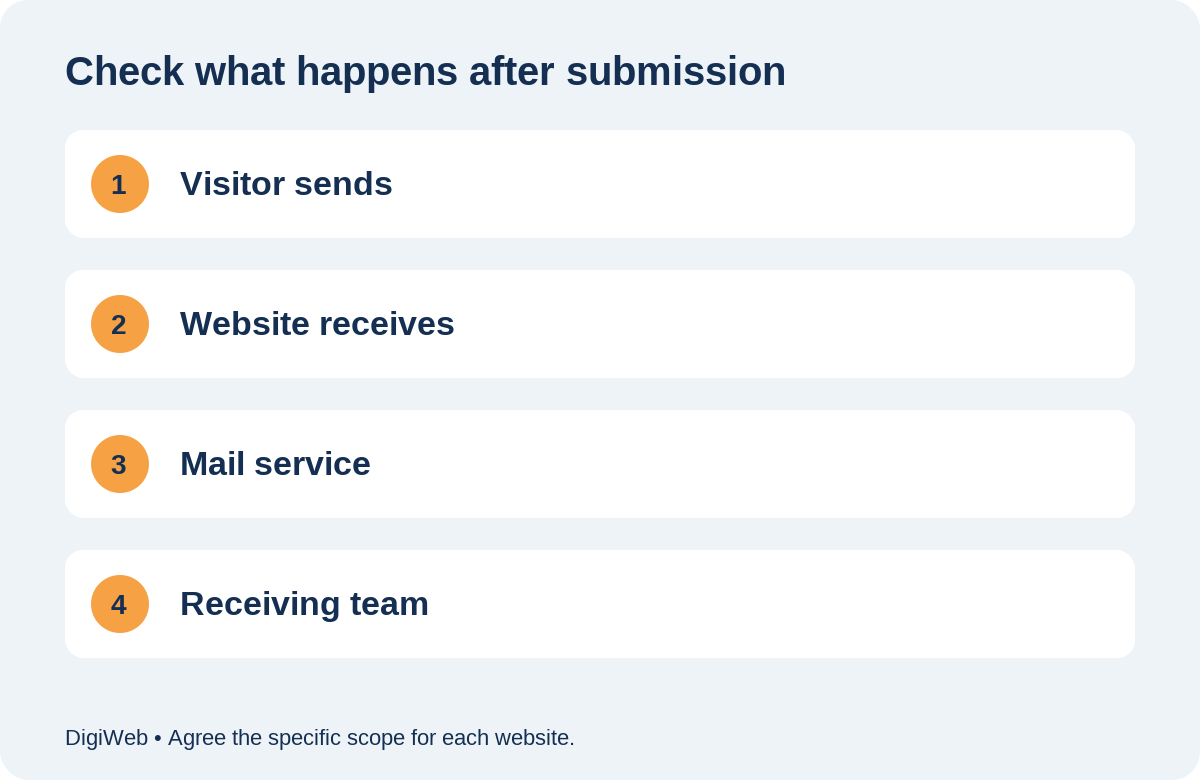
The visitor fills in a form, the server processes it, the system stores or forwards the request, the mail service accepts it, and the message reaches the owner’s mailbox. A CRM or automation tool may also be involved. Each stage can fail independently and needs its own evidence.
“Is email working?” is too broad. Did the test request reach the server, is there a valid record and how did the mail service respond? If the site does not retain form contents, identify another appropriate way to reconcile the request instead of assuming its data can be recovered.
Use appropriate test data
Before testing, identify the recipient, where the test data will be recorded and whether the submission triggers external notifications. Mark it clearly as a test so sales does not call it back or count it in reports. Where a CRM is involved, agree how to tag and remove test records through the authorised process.
Technical staff may need the time, page, device and request ID. They should not need a mailbox password or a customer list copied into a group chat. A report with private details masked can still provide enough evidence to isolate the fault.
Locate the last stage supported by evidence
| Observation | What to check next |
|---|---|
| No request reaches the server | Check the interface, network response and form conditions |
| Server reports a processing error | Check validation or authentication, configuration and relevant logs |
| Mail service rejects the message | Check its submission response and service account |
| Mail service has accepted the message | Check delivery, spam and mailbox rules |
| Message arrives but nobody handles it | Check assignment and intake procedures |
Avoid changing settings in several places simply to see whether the failure disappears. That obscures the cause and may affect other forms. Record the starting state, change one justified component at a time and repeat the test under the original conditions.
When the fault appears only on phones or campaign pages
A form may work on the homepage but fail on a different template, in another language or on the mobile version. Test the URL customers actually use, including campaign parameters where relevant. On AMP sites, test the corresponding submission and response flow as well as the desktop page.
Caching and duplicate-submission protection can produce different outcomes under different conditions. Distinguish a valid request from one rejected by design. A single unexplained test failure is insufficient reason to disable all form protections.
Count leads at each stage
Button clicks, server-accepted requests and qualified prospects are different measures. If an advertising report counts success on the button click, it can show many leads even when the form never completes. Base tracking on an actual response signal appropriate to the system.
Delivery to a mailbox is not the same as follow-up with a prospect. Assign a recipient and a backup, and decide how to handle messages outside business hours under company policy. The quality of the intake process is a shared technical and sales responsibility.
Put a unique test reference in the submission and trace it through the form, the mail service and the destination mailbox. Acceptance by the mail server does not confirm an employee saw it. Record the reference and time in the test notes without copying customer data.
Verify the fix from end to end
Repeat the test on the affected form, language and device. Confirm that the information reaches the intended destination without unexpected duplicates. Save an appropriate record for the next comparison. If the sending account or DNS changes, designate someone to monitor other functions that use them.
Include this journey in your routine website checks. If you need DigiWeb’s help, send the form URL, the time and the symptoms you observed. Leave credentials and other sensitive access details out of public contact forms.